Getting started
How snaplounge works
You create an event, set up the QR code, your guests take photos – and all pictures land in one shared gallery.
For hosts
How it works
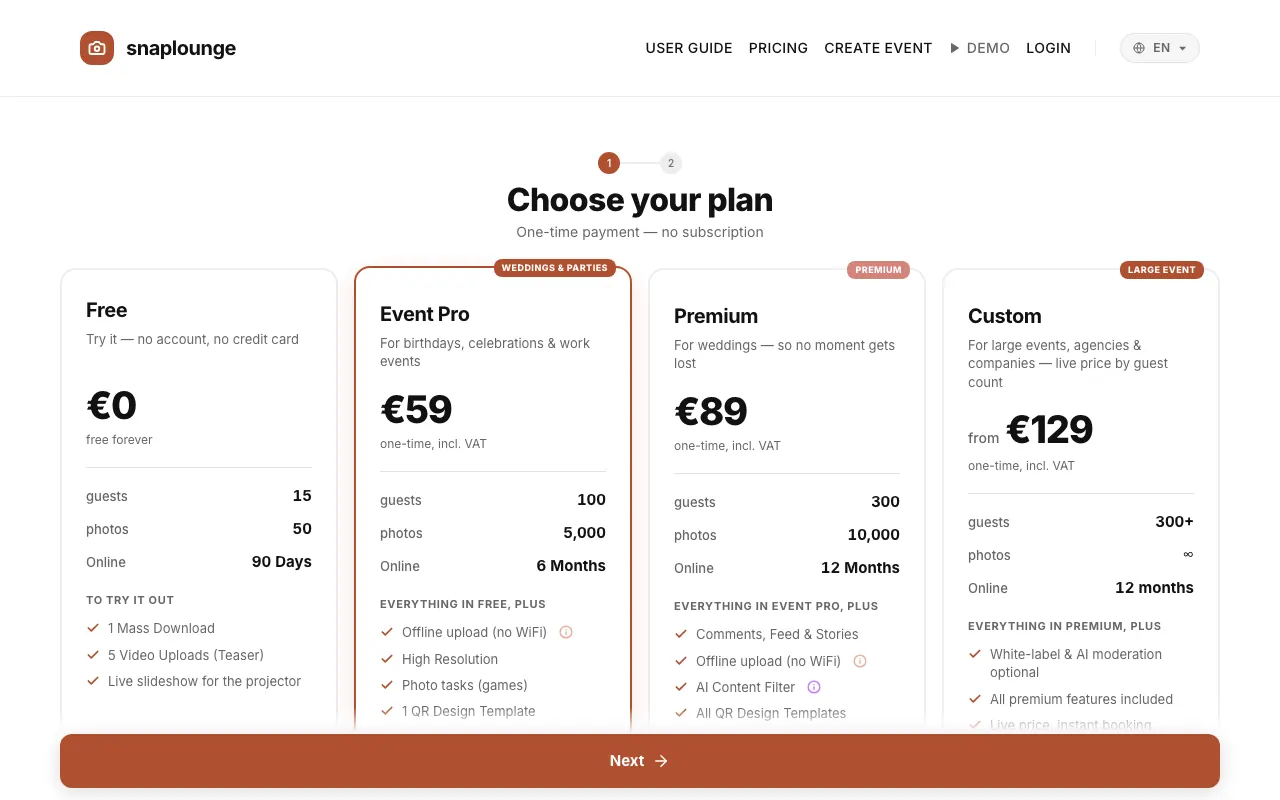
Create your event: choose a plan, enter a name and the date. This takes about two minutes. Create an event
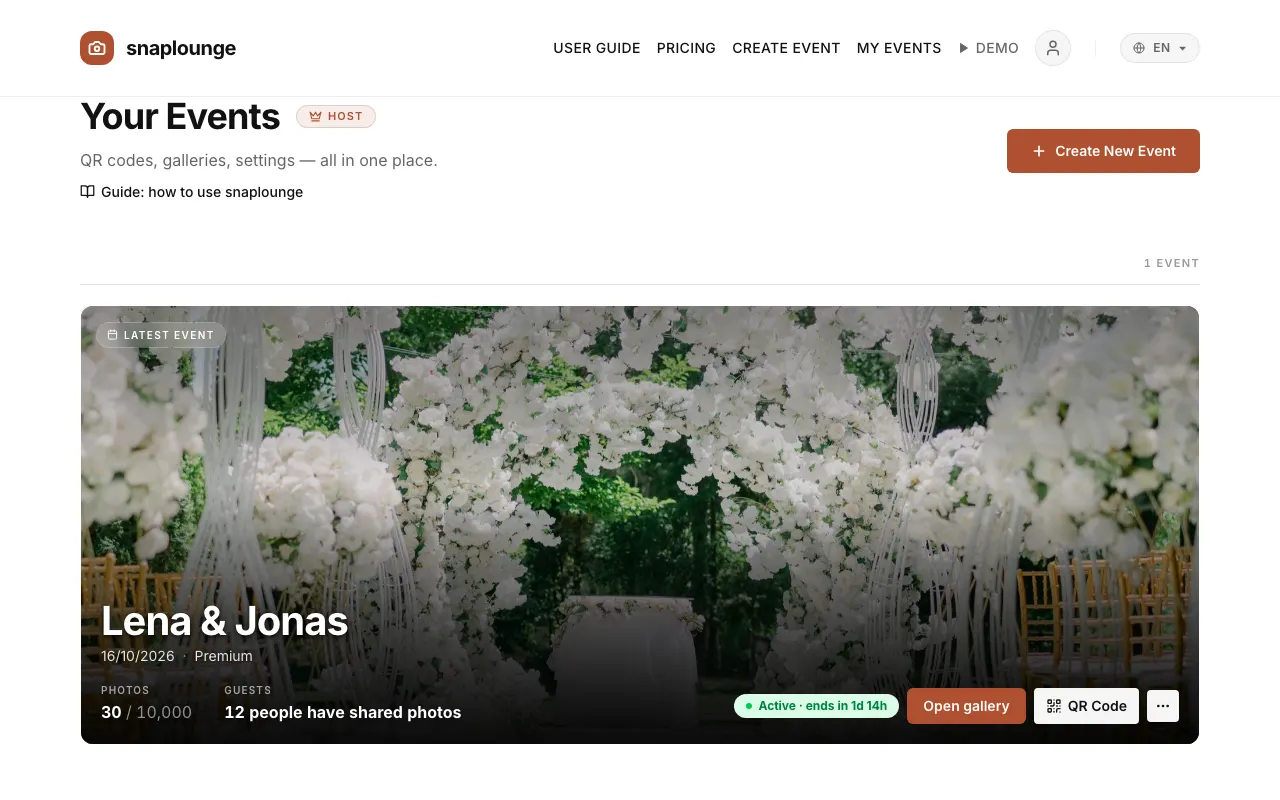
Afterward you see your event on the dashboard. From here you reach the gallery, the QR code, and all settings.
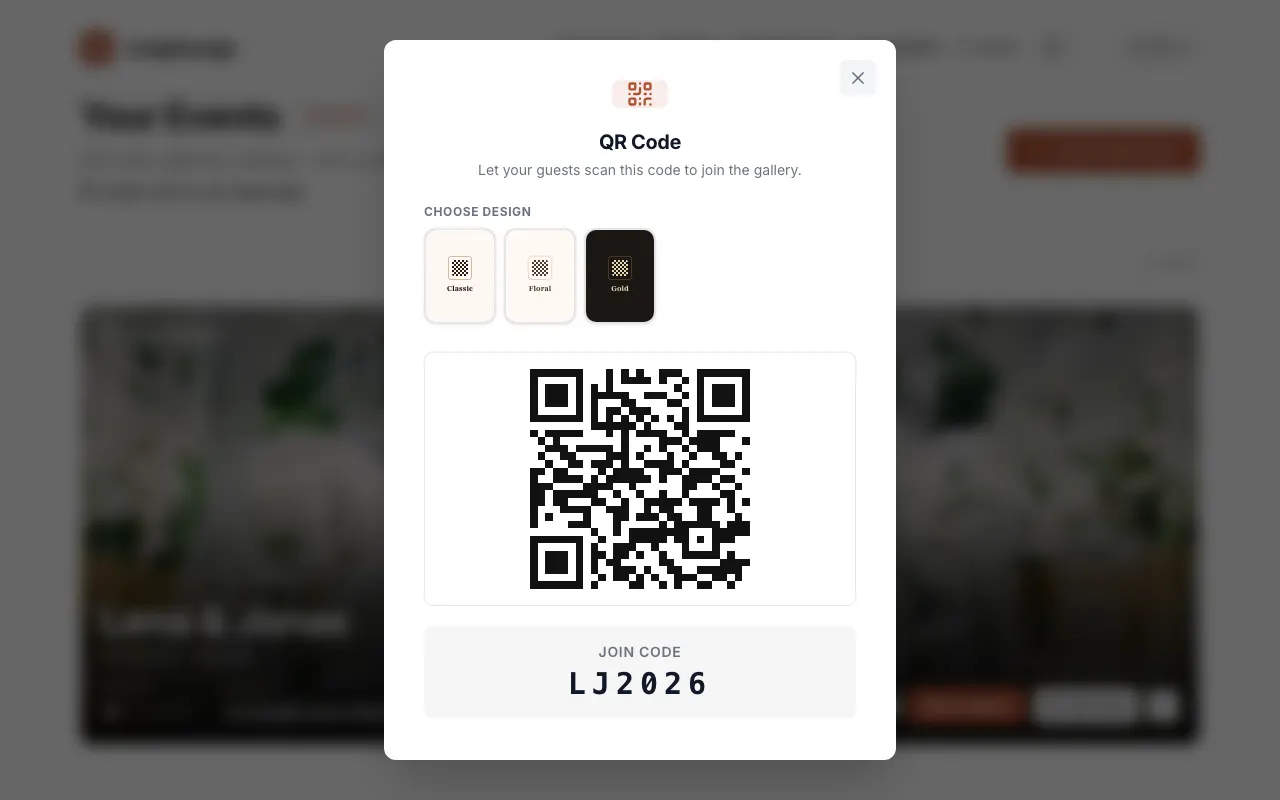
Place the QR code on the tables or share the link. Your guests scan it with their phone camera and take photos right in the browser. Print the QR code
Every photo appears in your gallery right away – and if you like, live on a projector or TV as well. Live slideshow
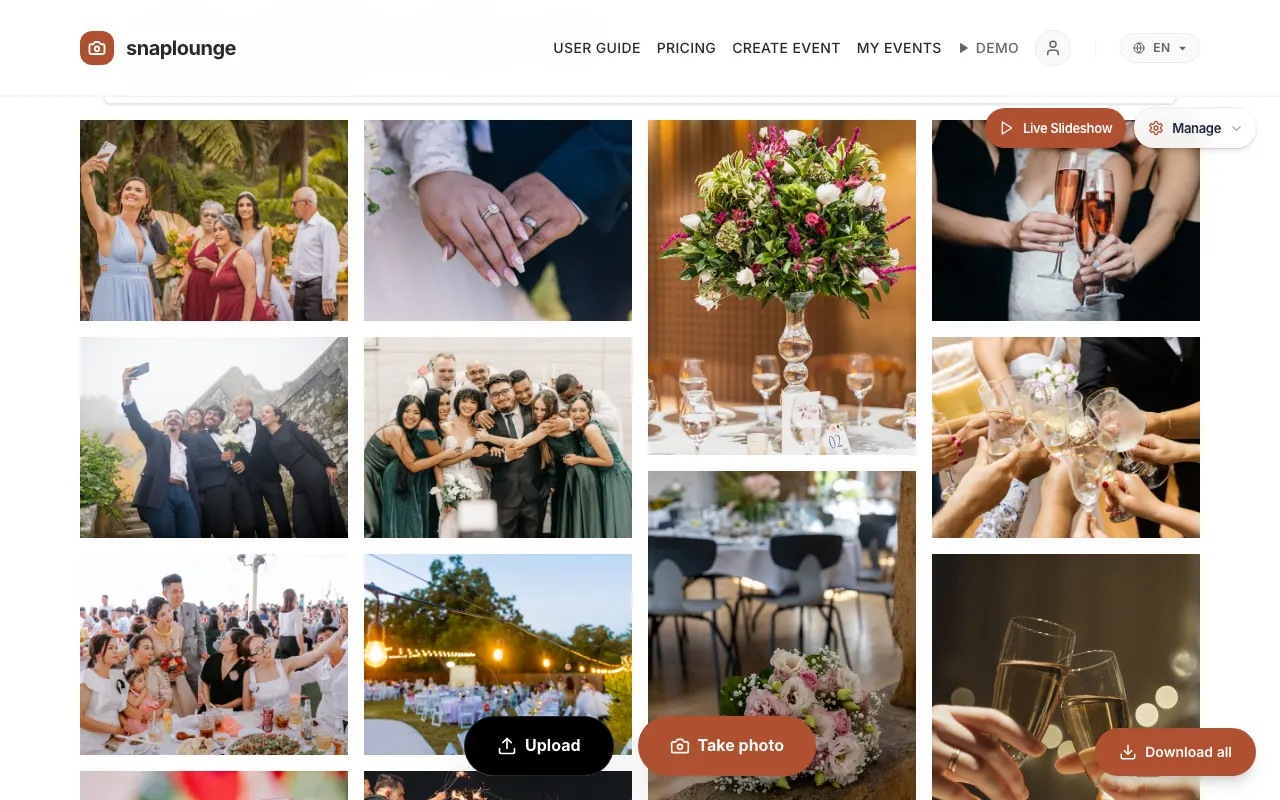
After the party you download all photos as a ZIP file with one click. Download all photos
Did this help you?
Goes well with
- Create an eventChoose a plan, enter the name and date, done – try it for free or book a plan right away.
- Download and print the QR codeYou save your event’s QR code as an image or print it as a table card.
- Share photos as a guestScan the QR code, enter your first name, take photos – your pictures land in the event’s gallery right away.