For guests
Share photos as a guest
Scan the QR code, enter your first name, take photos – your pictures land in the event’s gallery right away.
How it works
Scan the QR code with your phone’s camera or tap the link you received.
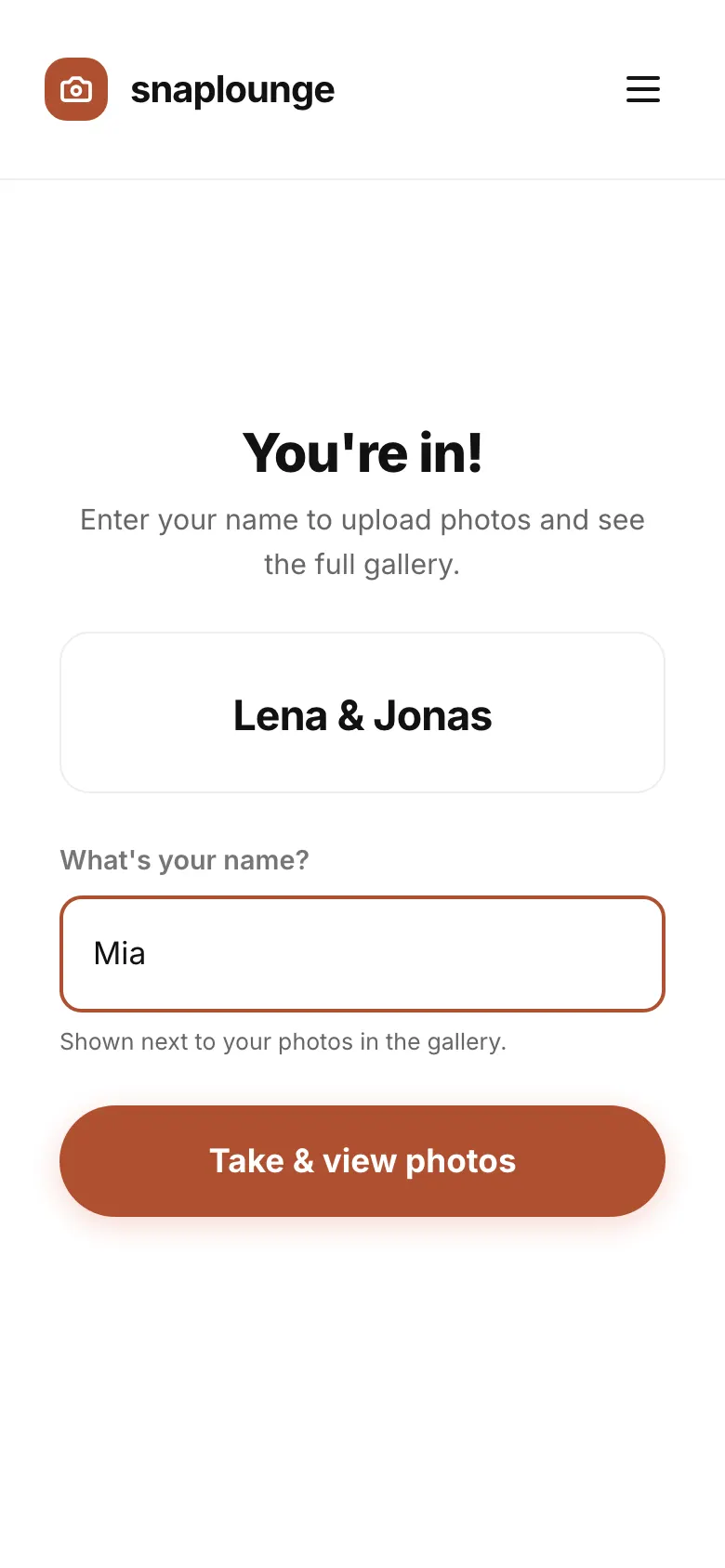
Under “What’s your name?” enter your first name and tap Take & view photos.
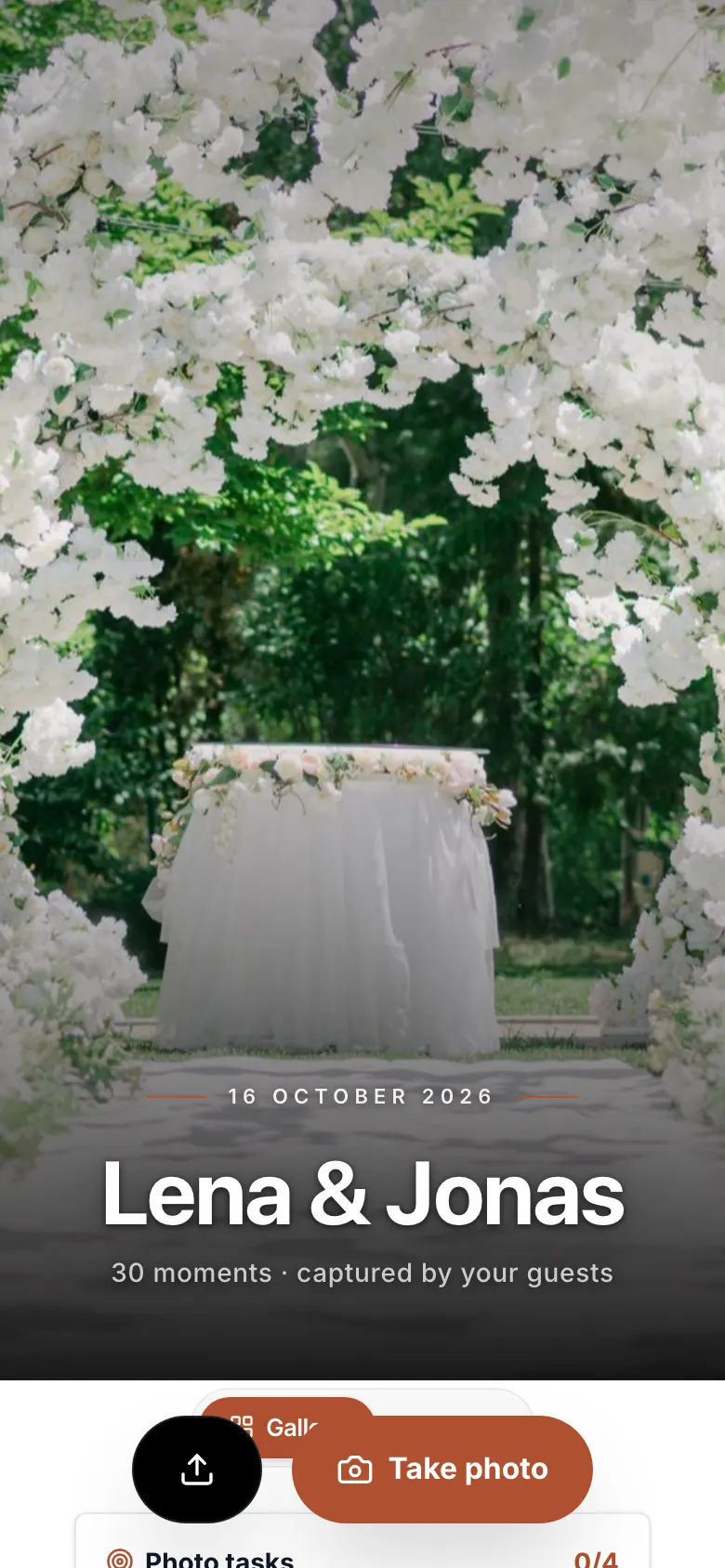
You see the event’s gallery. Tap Take photo to shoot, or the upload icon to share photos from your own gallery.
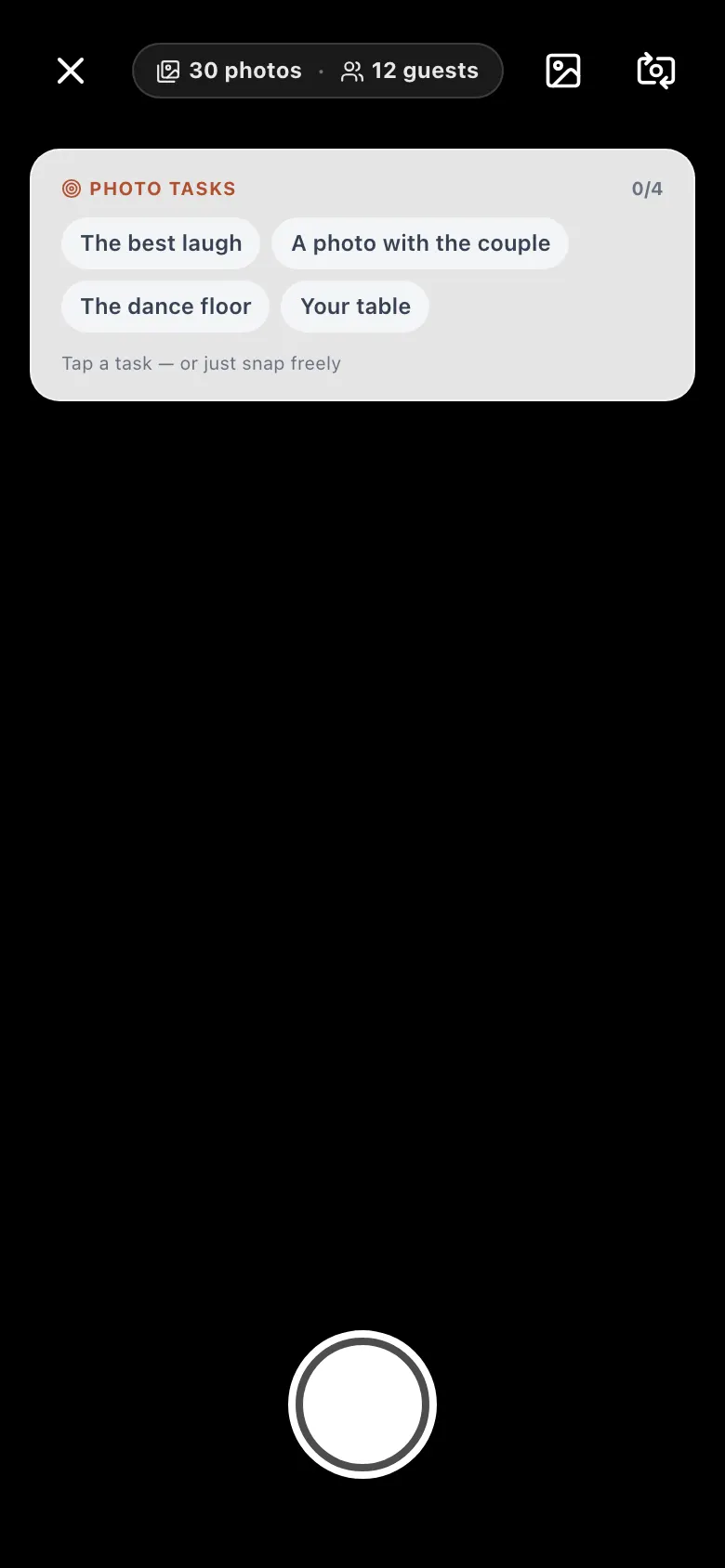
In the camera, you take photos or videos (up to 20 seconds). When there are photo tasks, simply tap one.
Every photo appears in the gallery right away – on a weak connection, it is saved and uploaded in the background.
Questions about this
How do I start the camera?
Allow your browser to use the camera (usually a prompt appears at the top). Alternatively, pick photos from your phone’s gallery with the upload icon.
Can I delete my photo again?
Yes. Open your photo in the gallery and tap the trash icon.
Did this help you?