During the party
Live slideshow on a projector or TV
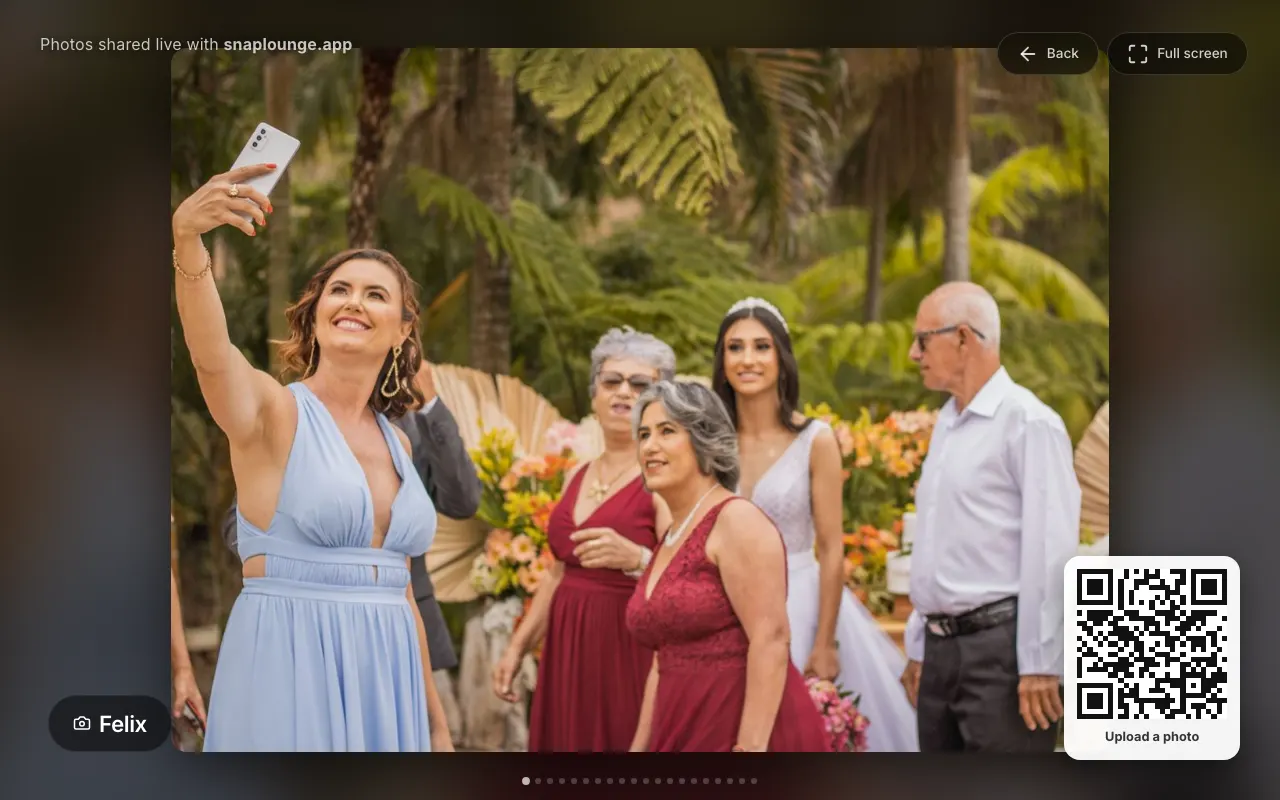
New photos play live on the screen during the party – with a QR code so even more guests join in.
For hosts
How it works
Open your gallery on the laptop connected to the projector or TV and tap Live Slideshow.
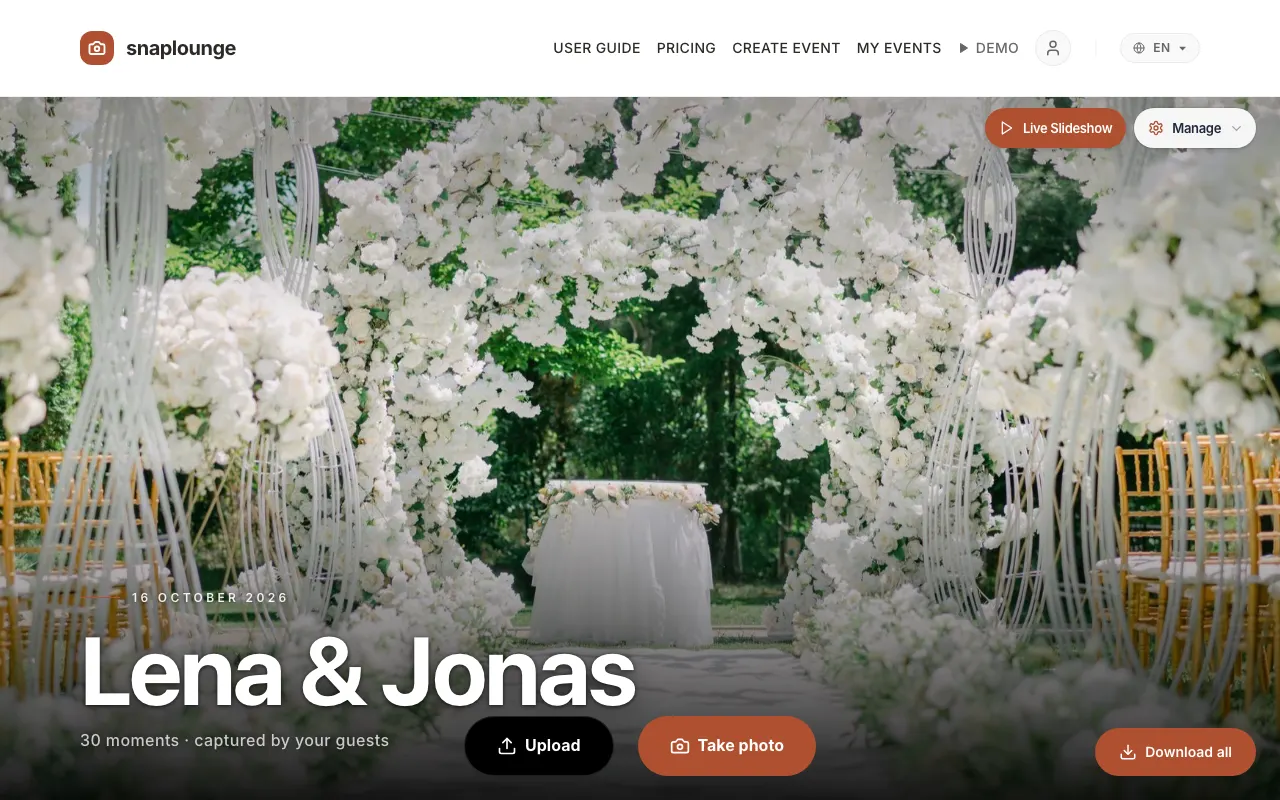
The slideshow opens in a new tab. With Full screen (F) or the F key, it fills the whole screen; Esc ends full-screen mode.
You can adjust everything on the event management page under “Live Slideshow Settings”: which photos play, speed (3–20 seconds), transition, photographer name, and the QR code shown.
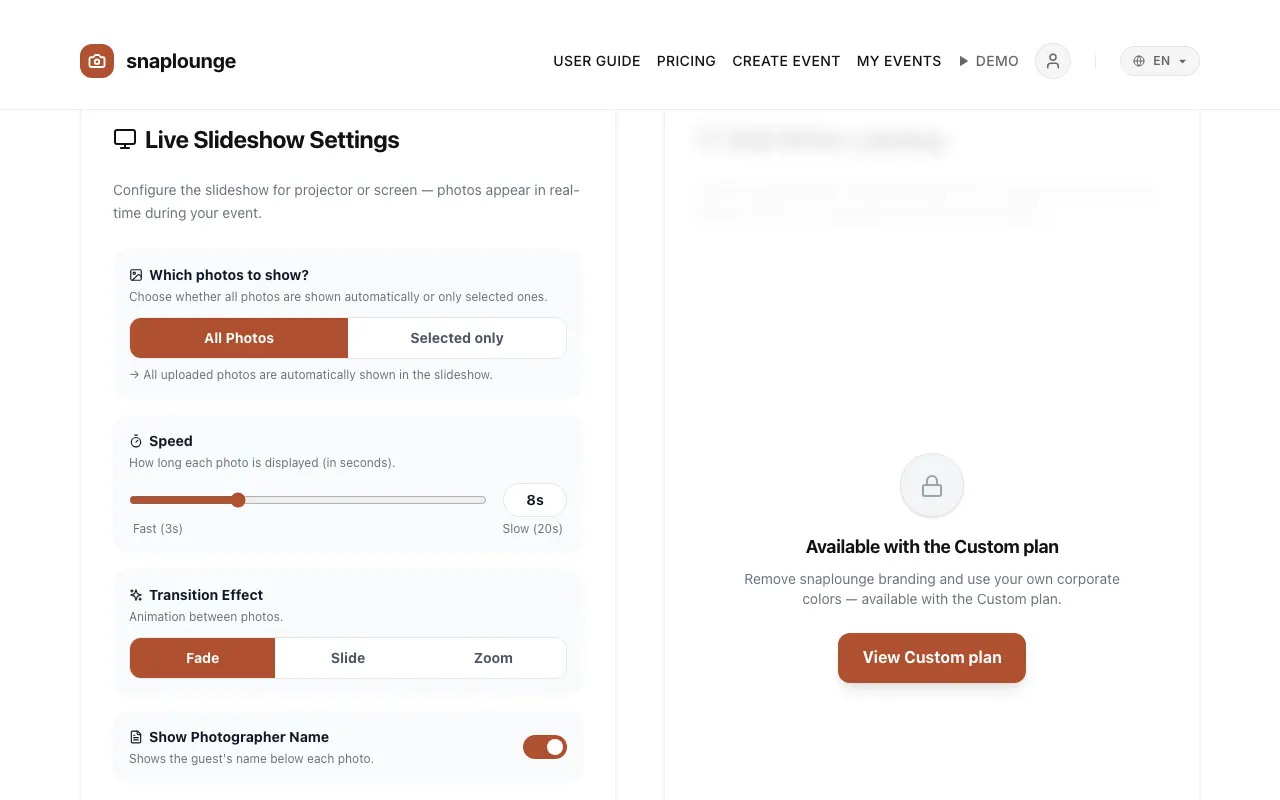
Tap Save. The slideshow picks up the changes right away.
Did this help you?
Goes well with
- Delete and approve photosAs the host, you can delete any photo and – with Photo Moderation – approve new photos.
- Download and print the QR codeYou save your event’s QR code as an image or print it as a table card.
- Set photo tasksLittle tasks like “The best laugh” get guests snapping – they appear right in your guests’ camera.