After the party
Download all photos
With one click, you download the whole gallery as a ZIP file – in full quality.
For hosts
How it works
Open your gallery and tap Download all (on a phone, the download icon at the bottom right).
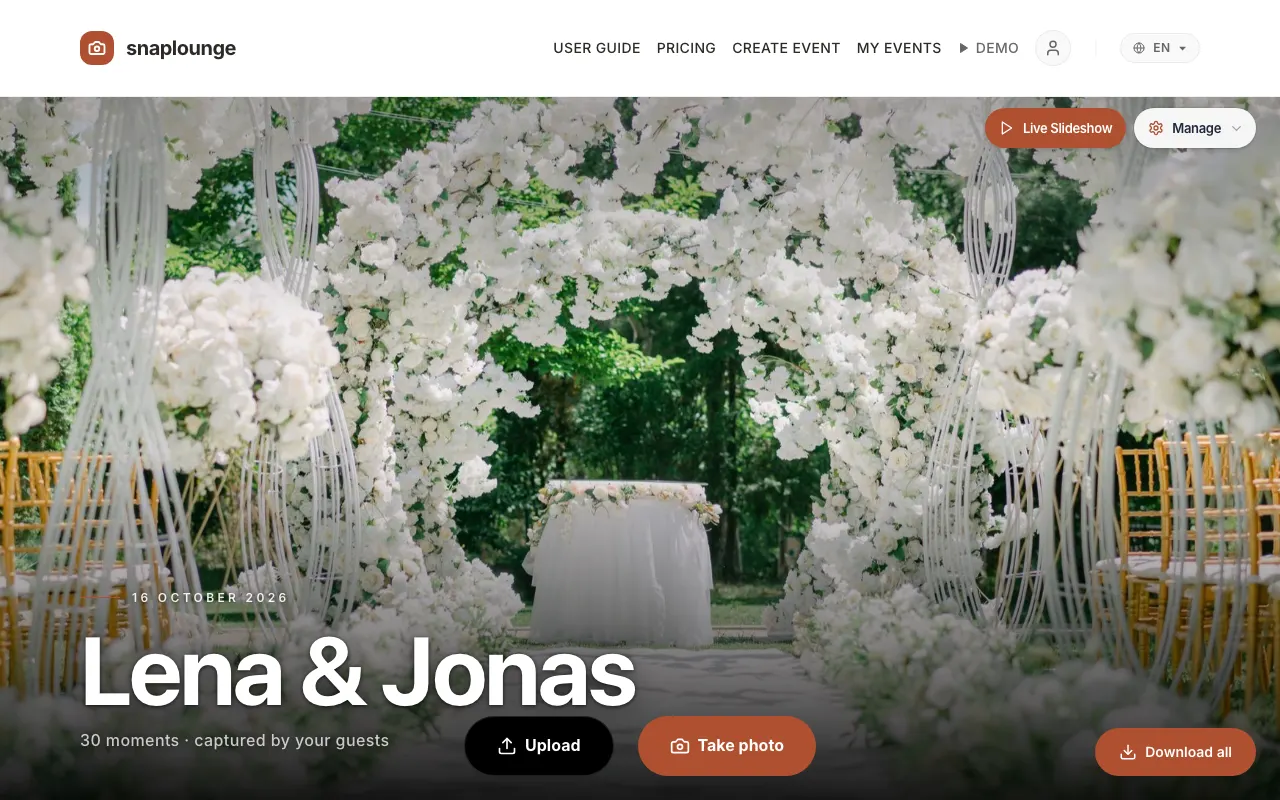
In the “Download the entire gallery” window, tap Download ZIP. The file lands in your downloads folder.
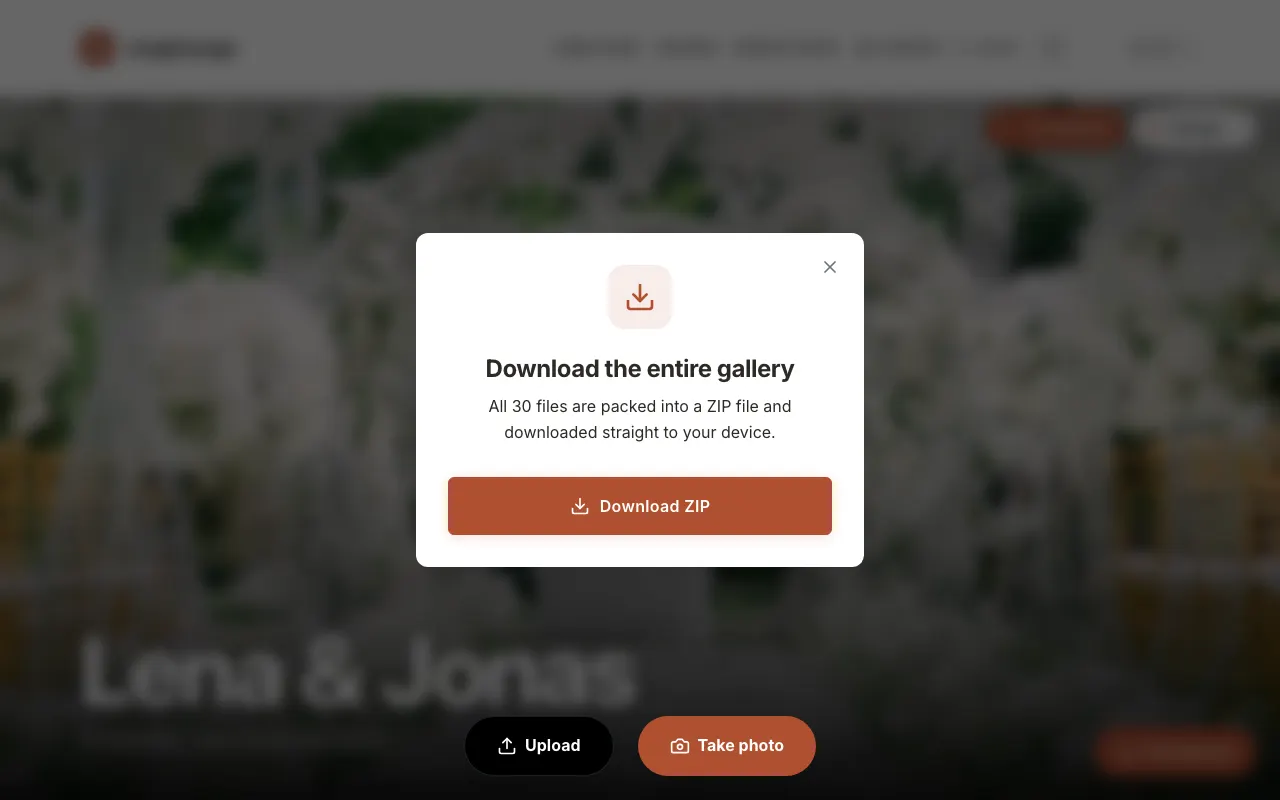
For very large galleries, snaplounge splits the download into several ZIP files (Part 1, Part 2 …). Download all parts one after another.
Did this help you?
Goes well with
- How long are photos stored?Depending on the plan, your gallery stays online for 3, 6, or 12 months – extending takes one click.
- Share the gallery by emailSend your guests the direct link to the finished gallery after the party.
- Get the photos as a guestLeave your email address, and after the party we send you the link to all photos.