Getting started
Sign in
You sign in with Google or with a code by email – quick and easy.
For hosts
How it works
Tap Login at the top right.
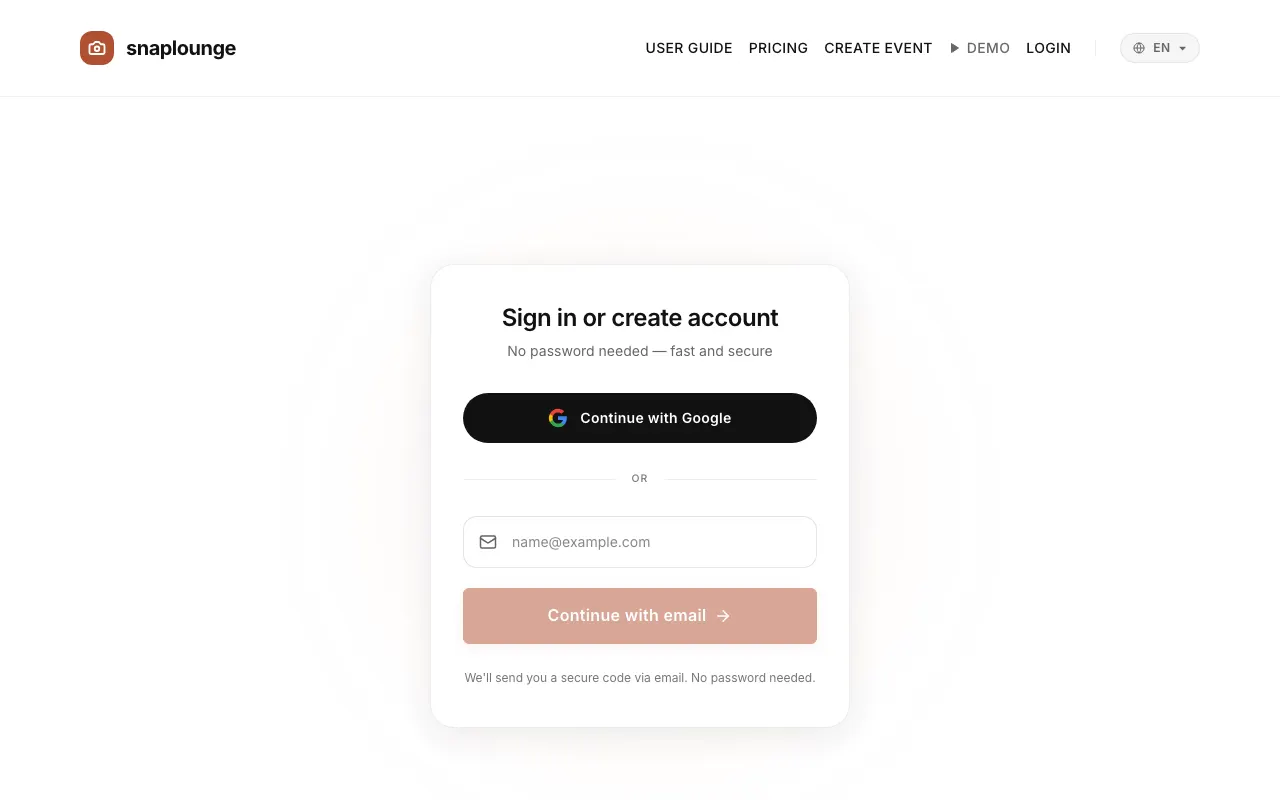
With Google: Continue with Google. With email: enter your address and tap Continue with email.
In your inbox is an email with a 6-digit code and a sign-in link. Enter the code or tap the link – done. Both stay valid for 10 minutes.
You arrive on your dashboard under “Your Events.”
Questions about this
Where is the email with the code?
Check your spam folder and double-check the spelling of the address. With Resend code, we send you a new code. More tips: Common problems.
Did this help you?
Goes well with
- Name, email, and accountIn the profile settings, you change your display name and see your email address.
- Create an eventChoose a plan, enter the name and date, done – try it for free or book a plan right away.
- Common problems and quick solutionsThe most common questions about the QR code, upload, camera, and sign-in – with the matching solution.