Account & event
Name, email, and account
In the profile settings, you change your display name and see your email address.
For hosts
How it works
Tap the person icon at the top right, then Profile Settings.
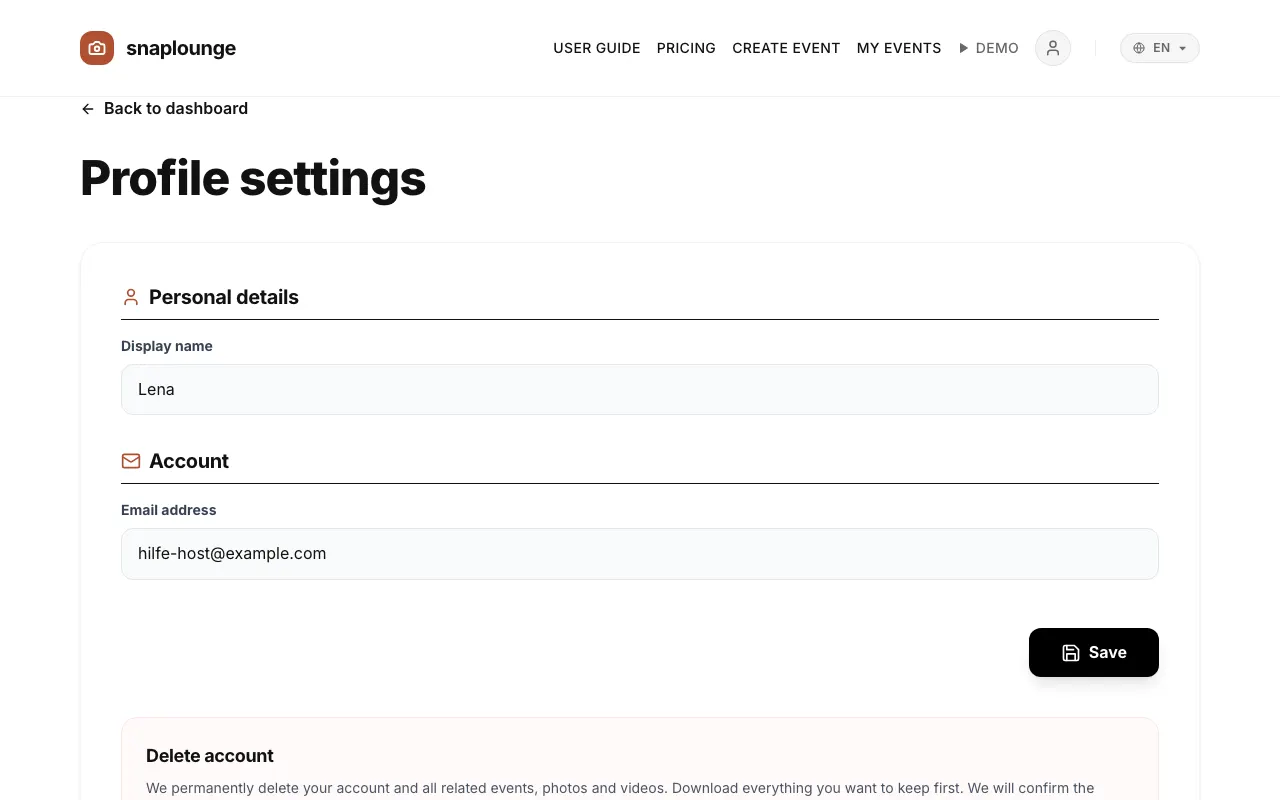
Under “Personal details,” you change the Display name and tap Save.
At the very bottom under “Delete account,” you request deletion with Request deletion by email. Download all photos you want to keep beforehand.
Did this help you?