Invite guests
Share the link, e.g. via WhatsApp
Send the link to your event to the family group or by message – one tap is enough to join in.
For hosts
How it works
Open your gallery and tap Manage → Invite.
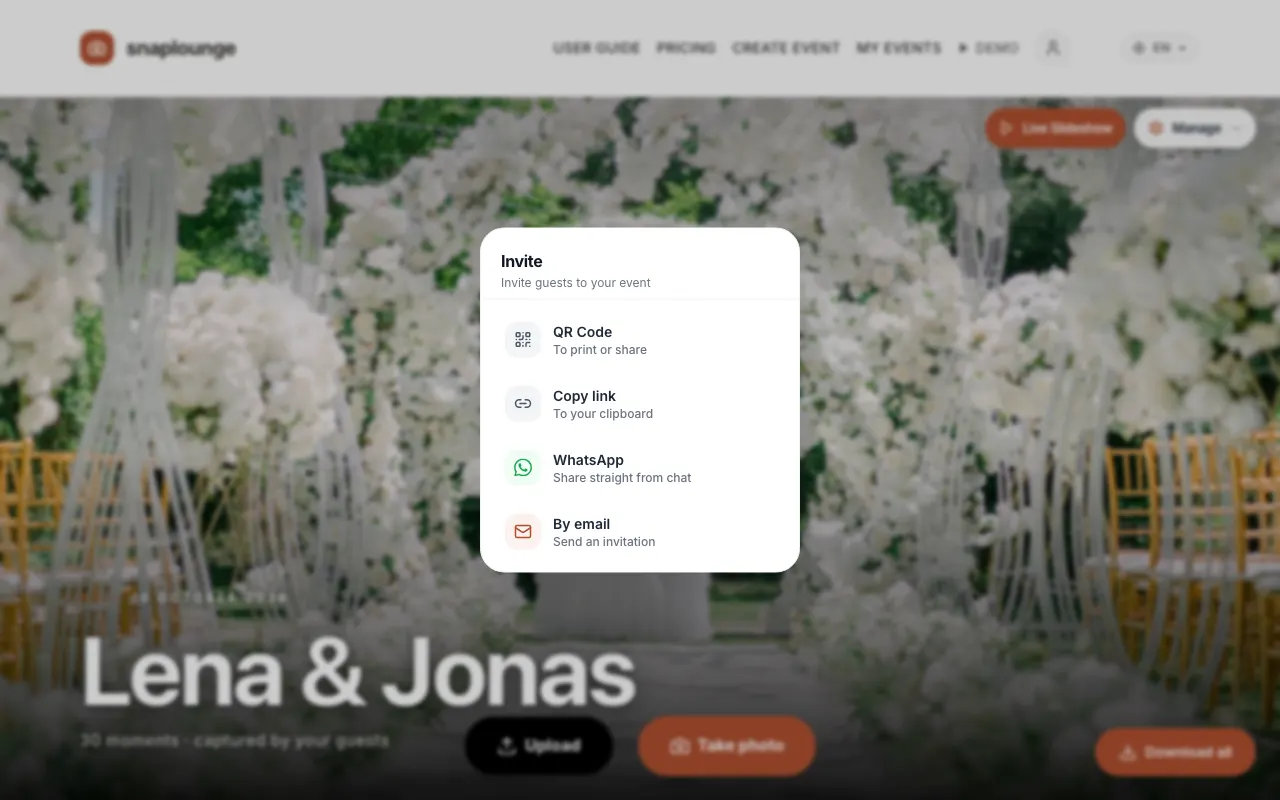
Choose WhatsApp to send the link directly, or Copy link to paste it into any other app.
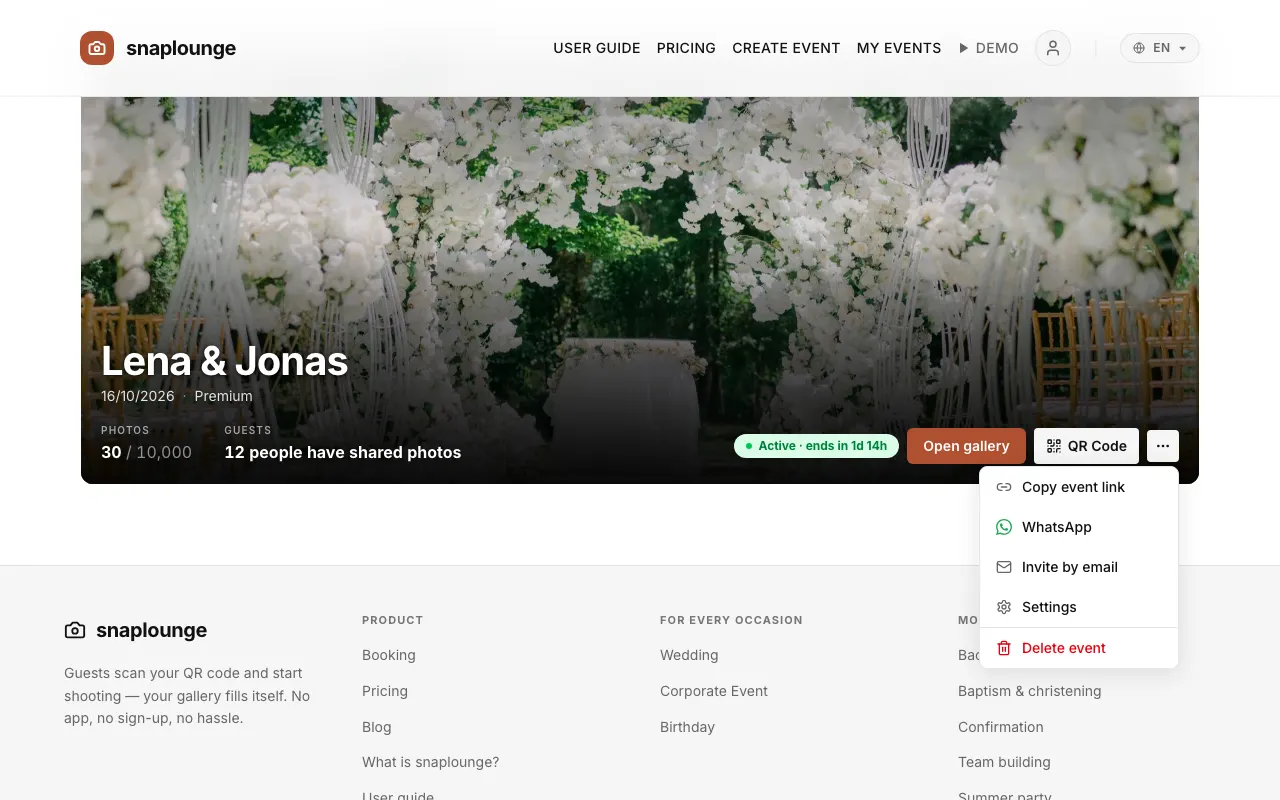
Alternatively on the dashboard: … → Copy event link or WhatsApp.
Did this help you?
Goes well with
- Download and print the QR codeYou save your event’s QR code as an image or print it as a table card.
- Invite guests by emailSend invitations with the link to your event right from snaplounge.
- Share photos as a guestScan the QR code, enter your first name, take photos – your pictures land in the event’s gallery right away.