Set up your event
Set photo tasks
Little tasks like “The best laugh” get guests snapping – they appear right in your guests’ camera.
For hostsIncluded from Pro
How it works
Open the event management page and scroll to “Photo Tasks (Gamification).”
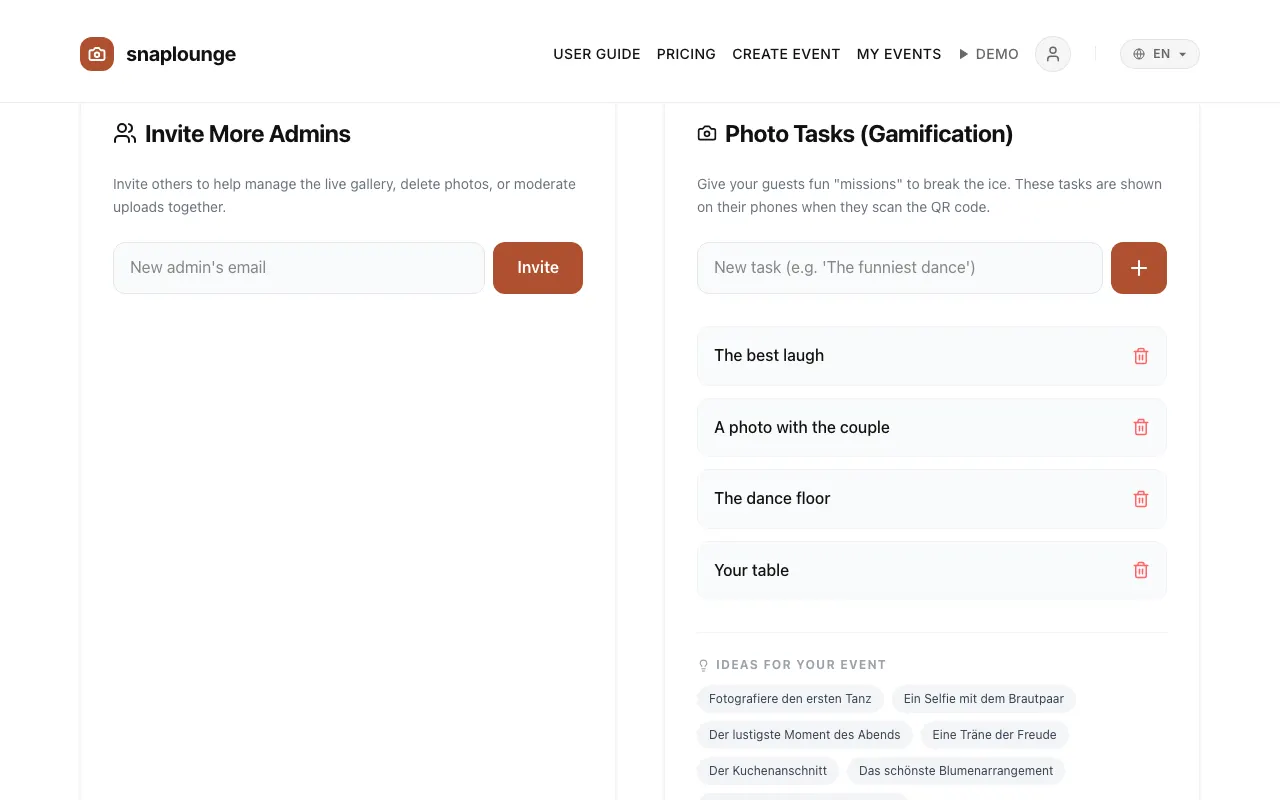
Write a task in the field and tap +. Or tap a suggestion under “Ideas for your event.”
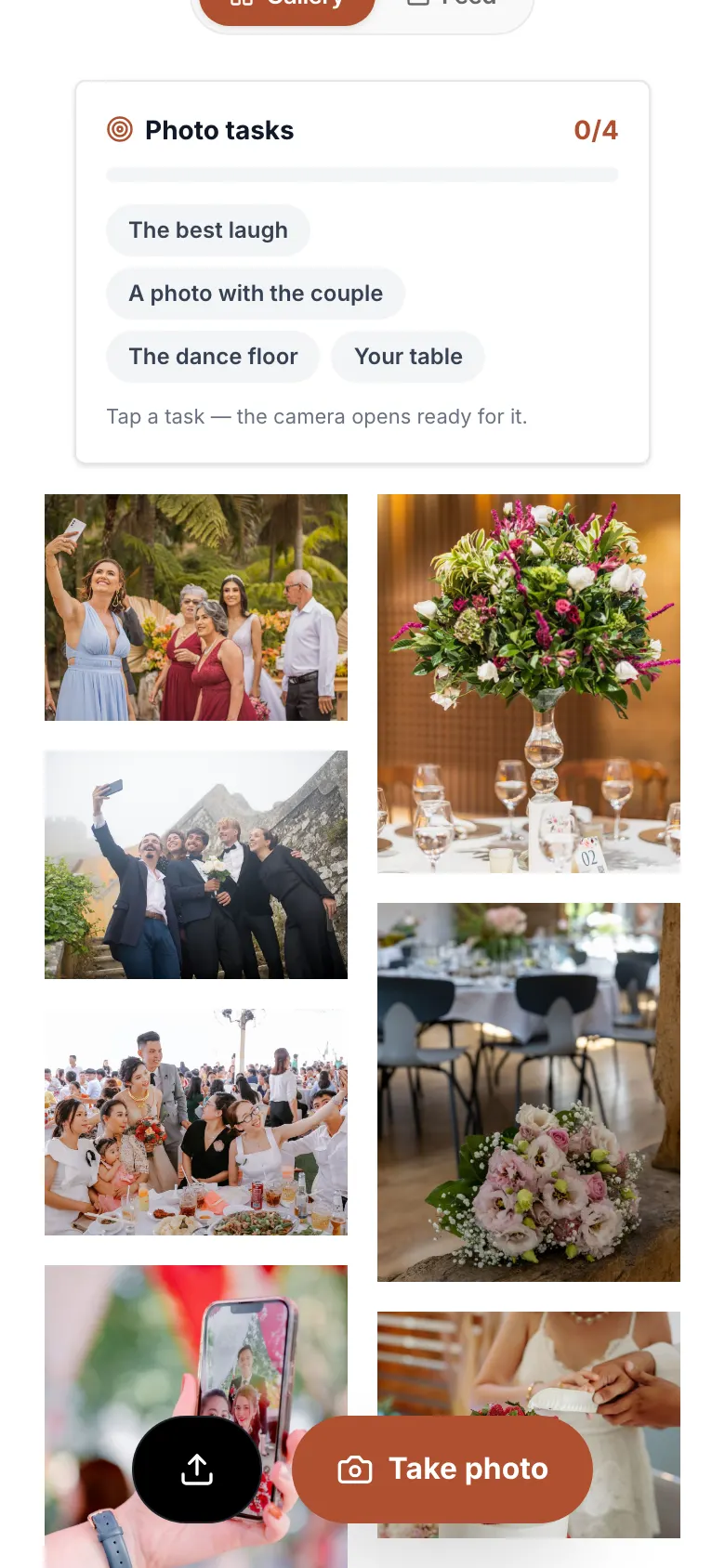
Your guests see the tasks in the gallery and in the camera. A tap on a task opens the camera to match.
Did this help you?
Goes well with
- Live slideshow on a projector or TVNew photos play live on the screen during the party – with a QR code so even more guests join in.
- Share photos as a guestScan the QR code, enter your first name, take photos – your pictures land in the event’s gallery right away.
- Table cards with QR codeDesign table cards with your event’s QR code and download them as a PDF for printing.