During the party
Delete and approve photos
As the host, you can delete any photo and – with Photo Moderation – approve new photos.
For hosts
How it works
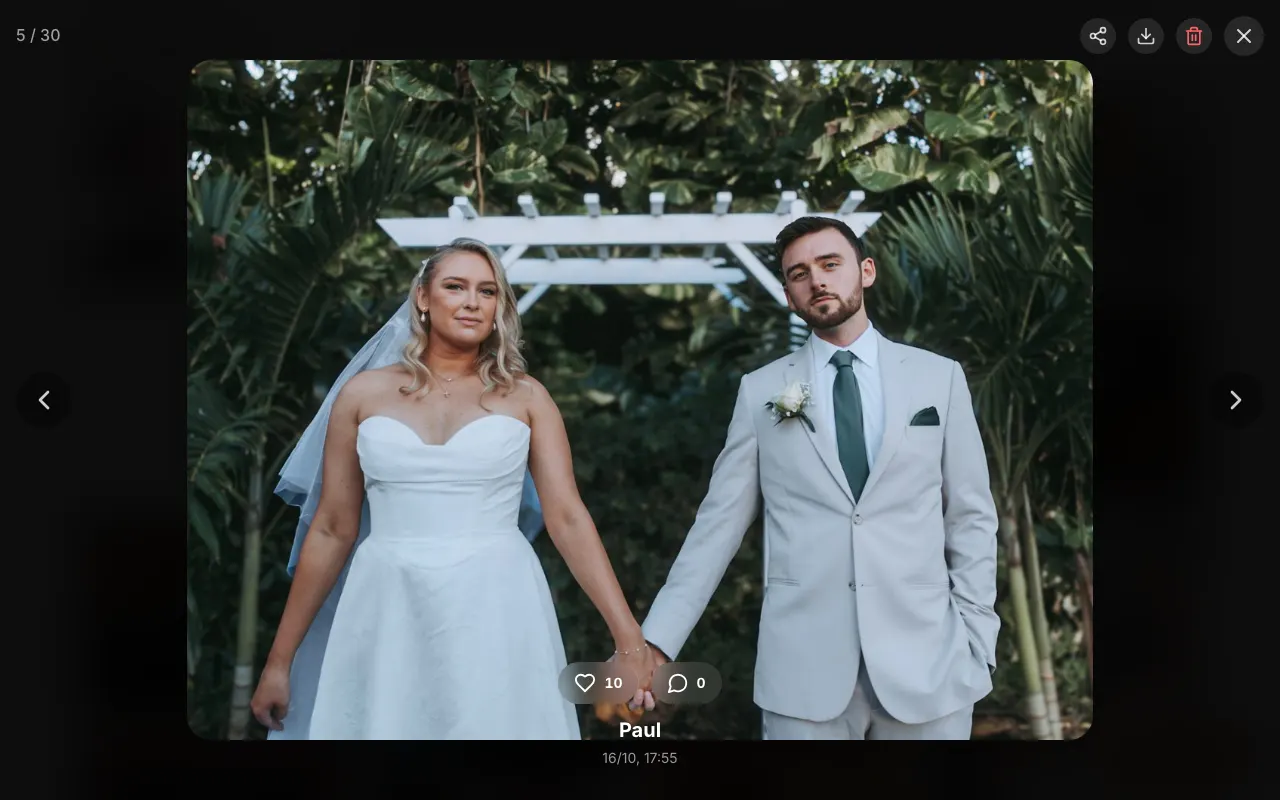
In the gallery, tap a photo to open it large.

At the top right, you find share, download, and delete. Tap the trash icon (Delete photo) and confirm.
With Photo Moderation turned on, the gallery shows a note at the top, such as “3 photo(s) awaiting approval.” Tap Approve all or open individual photos and tap Approve.
Did this help you?
Goes well with
- Who sees which photos? Visibility and approvalYou decide whether guests see all photos or only their own – and whether new photos appear after your approval.
- Live slideshow on a projector or TVNew photos play live on the screen during the party – with a QR code so even more guests join in.
- Invite more adminsBest man, colleagues, or family manage the gallery together with you.