Set up your event
Change name, date, and occasion
You find all basic settings of your event on the event management page under “General Settings.”
For hosts
How it works
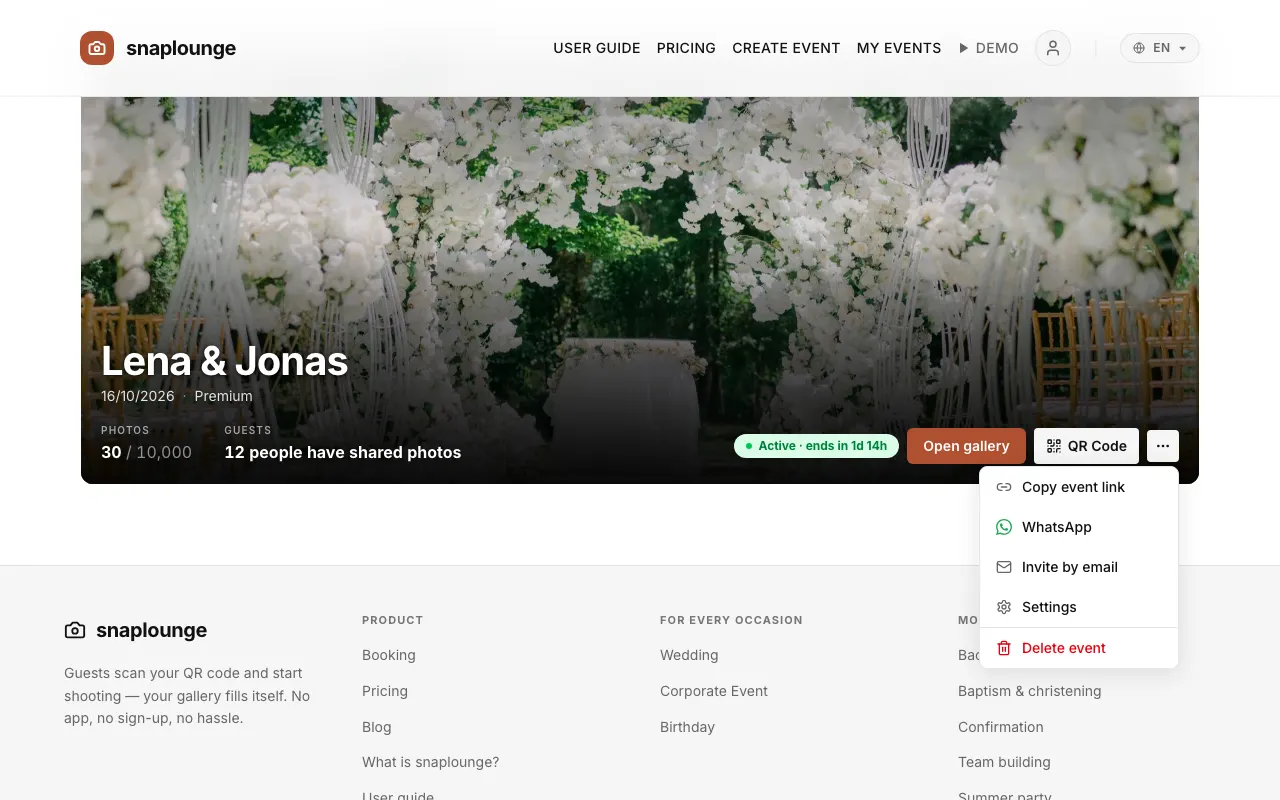
On the dashboard, tap … (more actions) next to your event, then Settings. From the gallery, go to Manage → Settings → All Settings →.
Under “General Settings,” you change Event Name, Event Date, and Event Type.
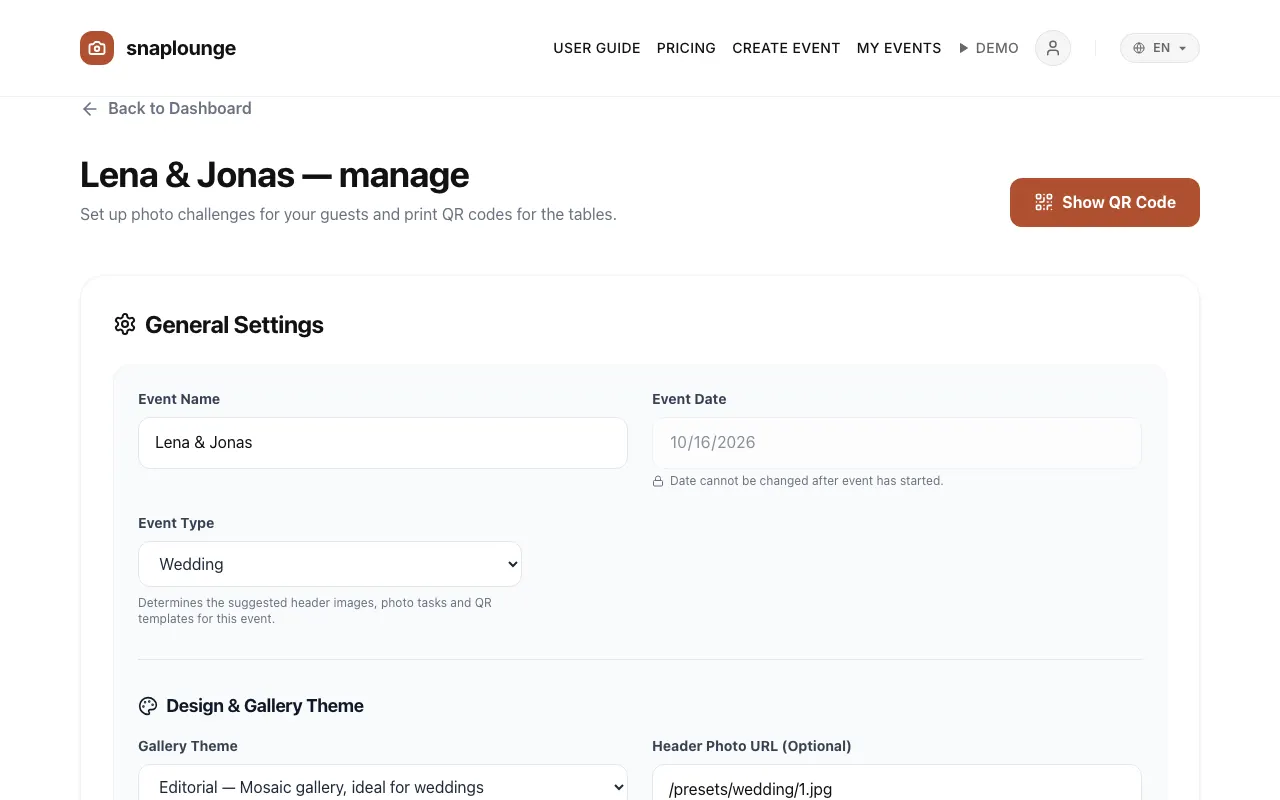
At the end of the section, tap Save.
Did this help you?
Goes well with
- Change the header imageYou choose the large picture at the top of your gallery from templates for your occasion or upload a photo of your own.
- Gallery design and viewChoose the gallery theme (Editorial, Air, or Modern) and whether guests see the photos as a mosaic or as a feed.
- Who sees which photos? Visibility and approvalYou decide whether guests see all photos or only their own – and whether new photos appear after your approval.