Set up your event
Gallery design and view
Choose the gallery theme (Editorial, Air, or Modern) and whether guests see the photos as a mosaic or as a feed.
For hostsIncluded from Pro
How it works
Open the event management page (dashboard → … → Settings) and scroll to “Design & Gallery Theme.”
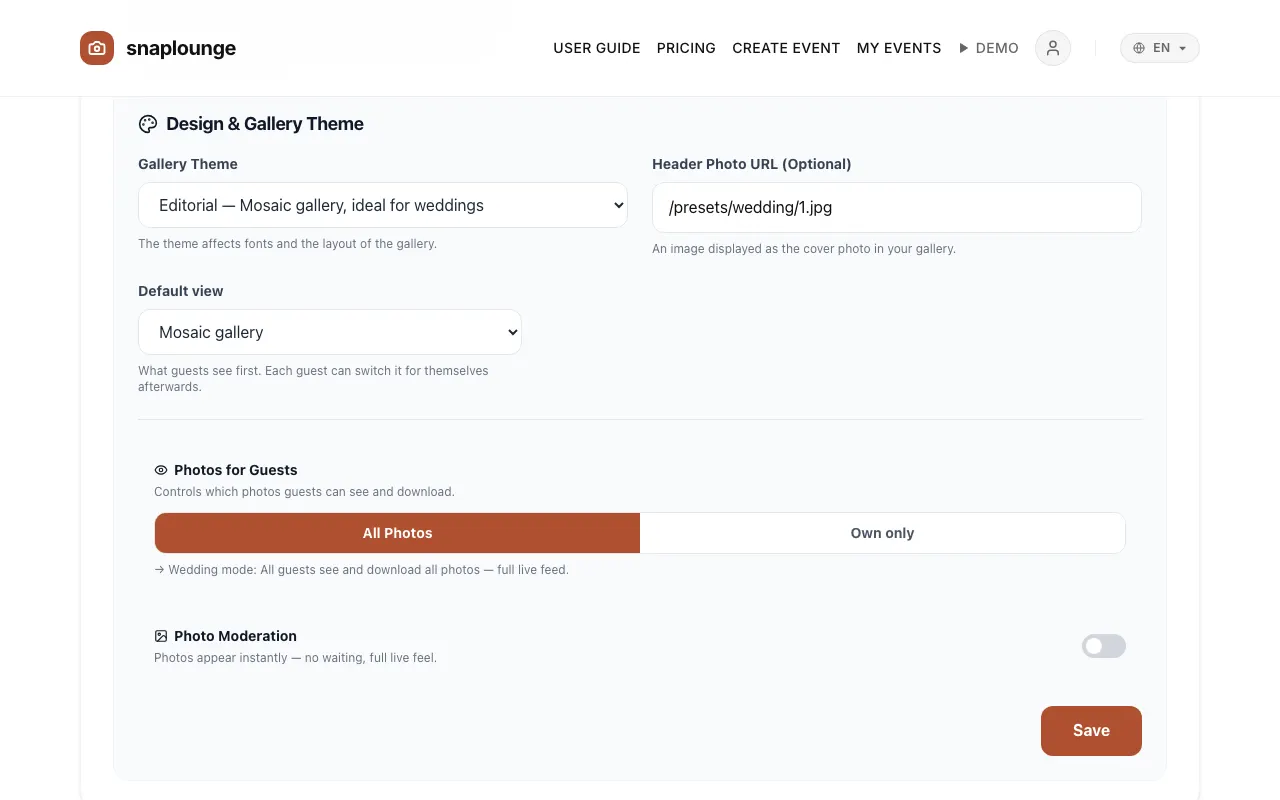
Under Gallery Theme, you choose Editorial, Air, or Modern. Under Default view, you decide whether the gallery starts as Mosaic gallery or as Feed (like social media).
Tap Save. Your guests see the new design the next time they open the gallery.
Did this help you?