Set up your event
Change the header image
You choose the large picture at the top of your gallery from templates for your occasion or upload a photo of your own.
For hosts
How it works
Open your gallery and tap Manage at the top right.
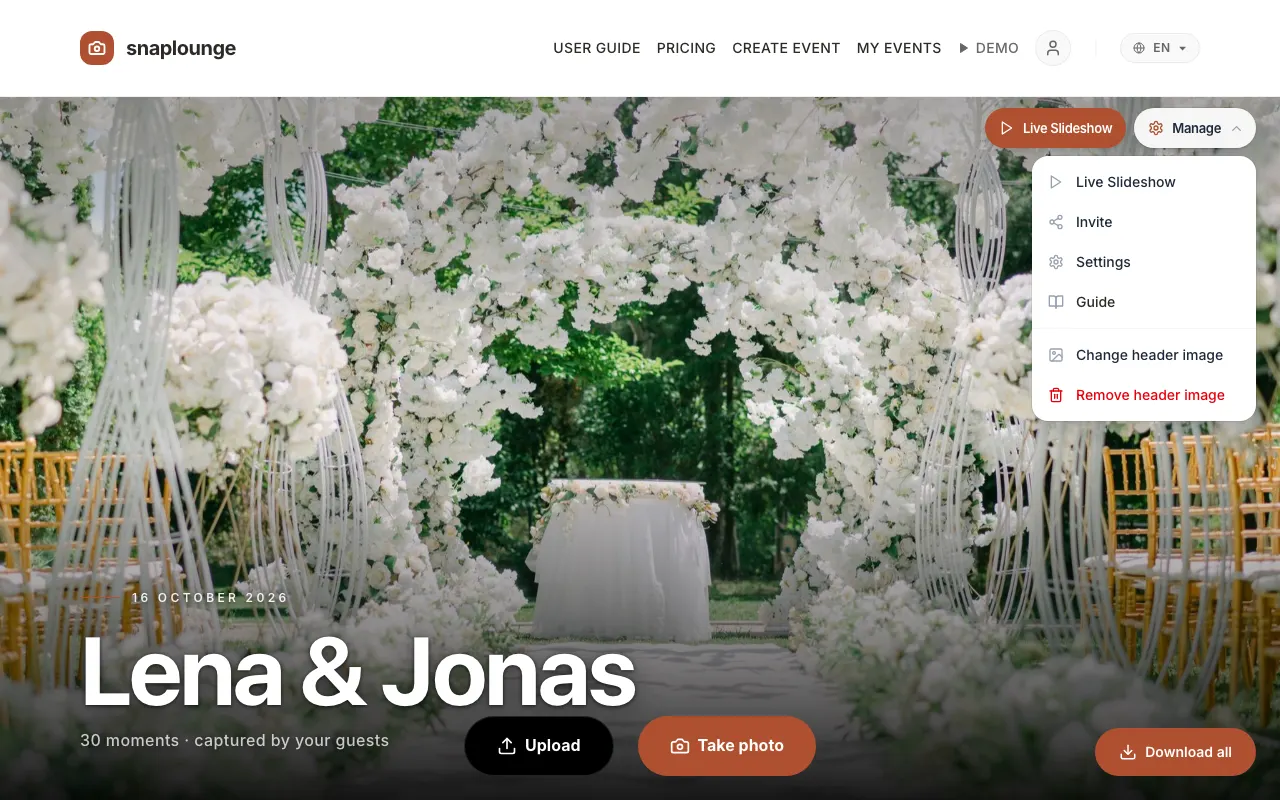
Choose Change header image. Tap a template – or tap Upload your own photo.
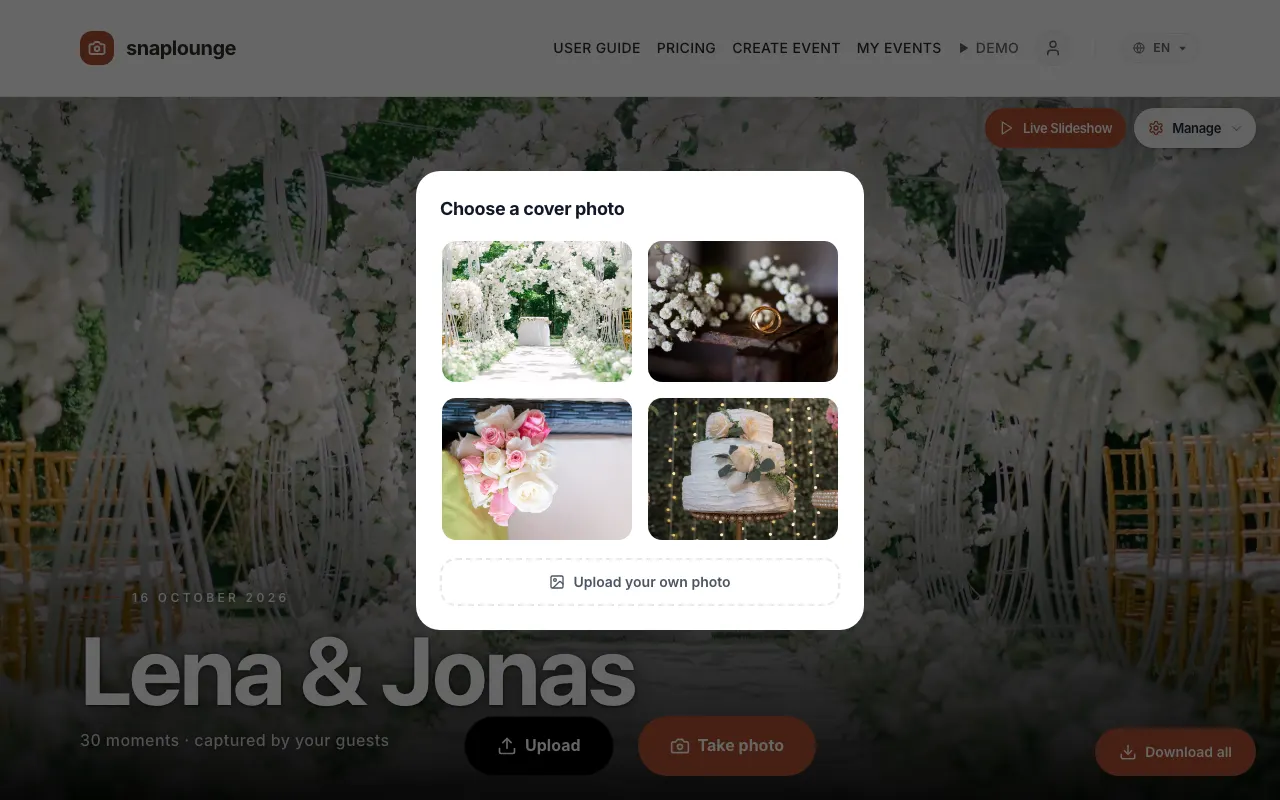
The new header image appears right away, on the dashboard as well.
Did this help you?