Plans & payment
Upgrade your plan
More guests, more photos, or a longer storage period: you upgrade your plan any time, and your previous price is credited.
For hosts
How it works
When it gets full, the dashboard shows “Almost full – upgrade” next to your event. A tap on it opens the matching plans.
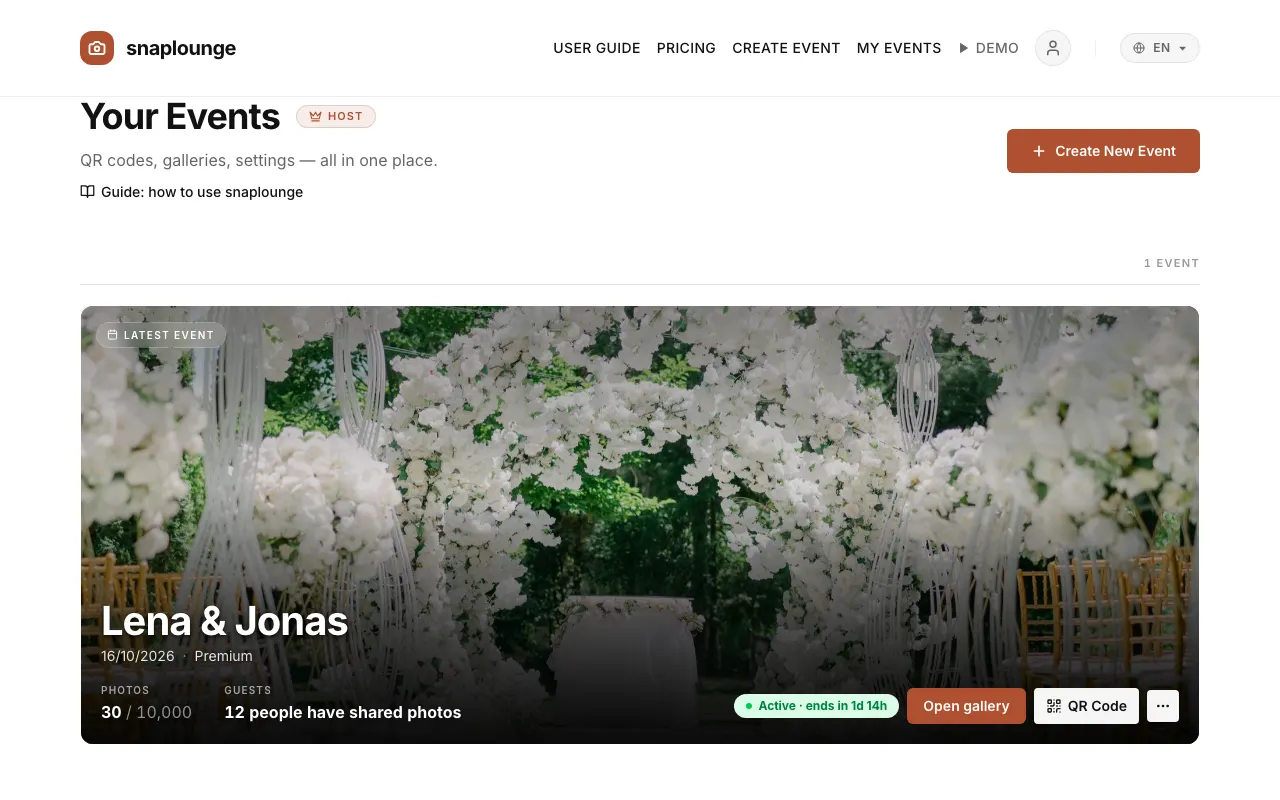
With a paid plan, “Configure your upgrade” opens: choose a plan and add extras if you like – “+12 months of download time” (€19.99) or “+200 guests & storage” (€14.99).
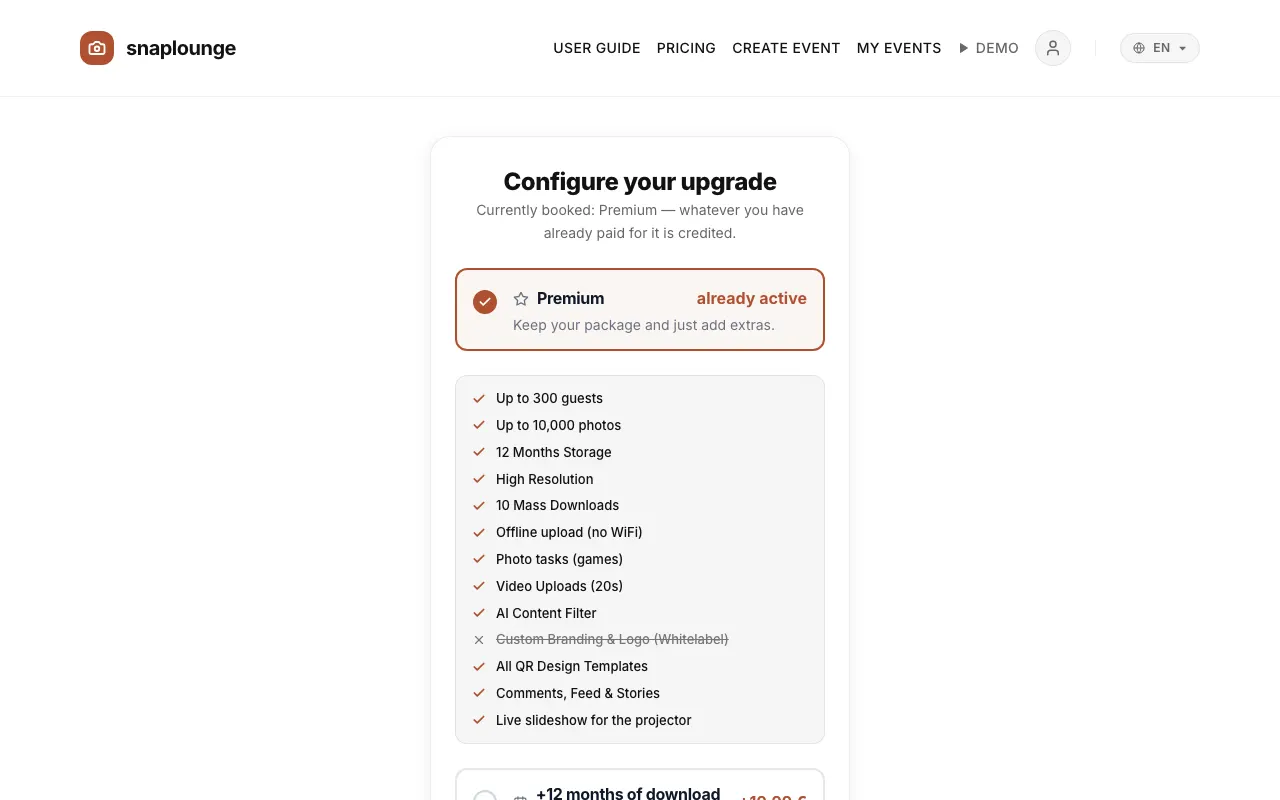
Tap Order with obligation to pay. After the payment, the new plan applies right away.
Did this help you?
Goes well with
- Plans comparedFree to try out, Pro and Premium for most parties, Custom for large events – you pay once per event.
- Guest list and guest countAnyone who shares at least one photo or video counts as a guest. In the guest list, you see who has joined already.
- How long are photos stored?Depending on the plan, your gallery stays online for 3, 6, or 12 months – extending takes one click.