For guests
Get the photos as a guest
Leave your email address, and after the party we send you the link to all photos.
For guests
How it works
After your first photo, “Get all photos by email after the party” appears. Enter your address and tap Send.
When the upload time is over – two days after event day – you receive an email with the link to the finished gallery.
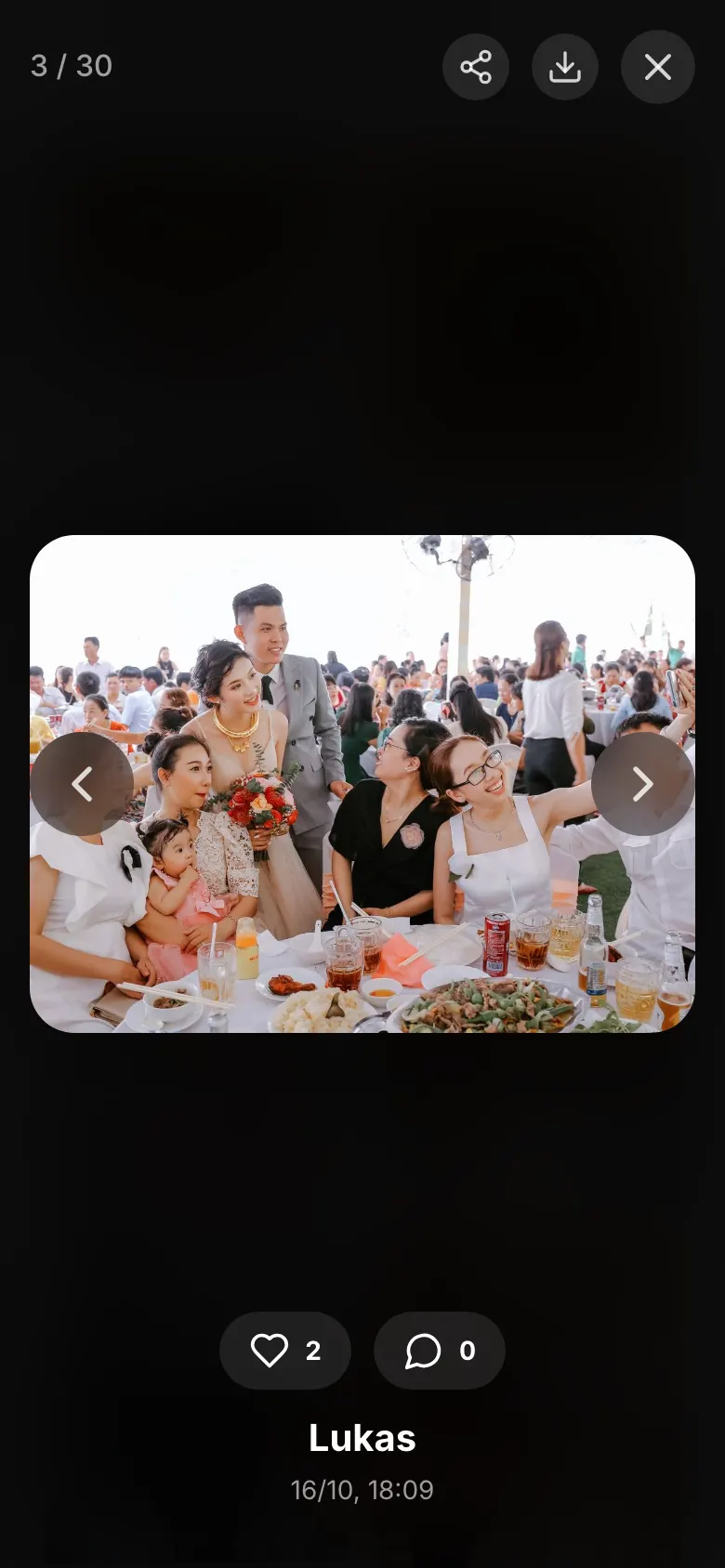
In the gallery, you open a photo and save it with the download icon.
Did this help you?