Set up your event
Invite more admins
Best man, colleagues, or family manage the gallery together with you.
For hostsIncluded from Premium
How it works
Open the event management page and scroll to “Invite More Admins.”
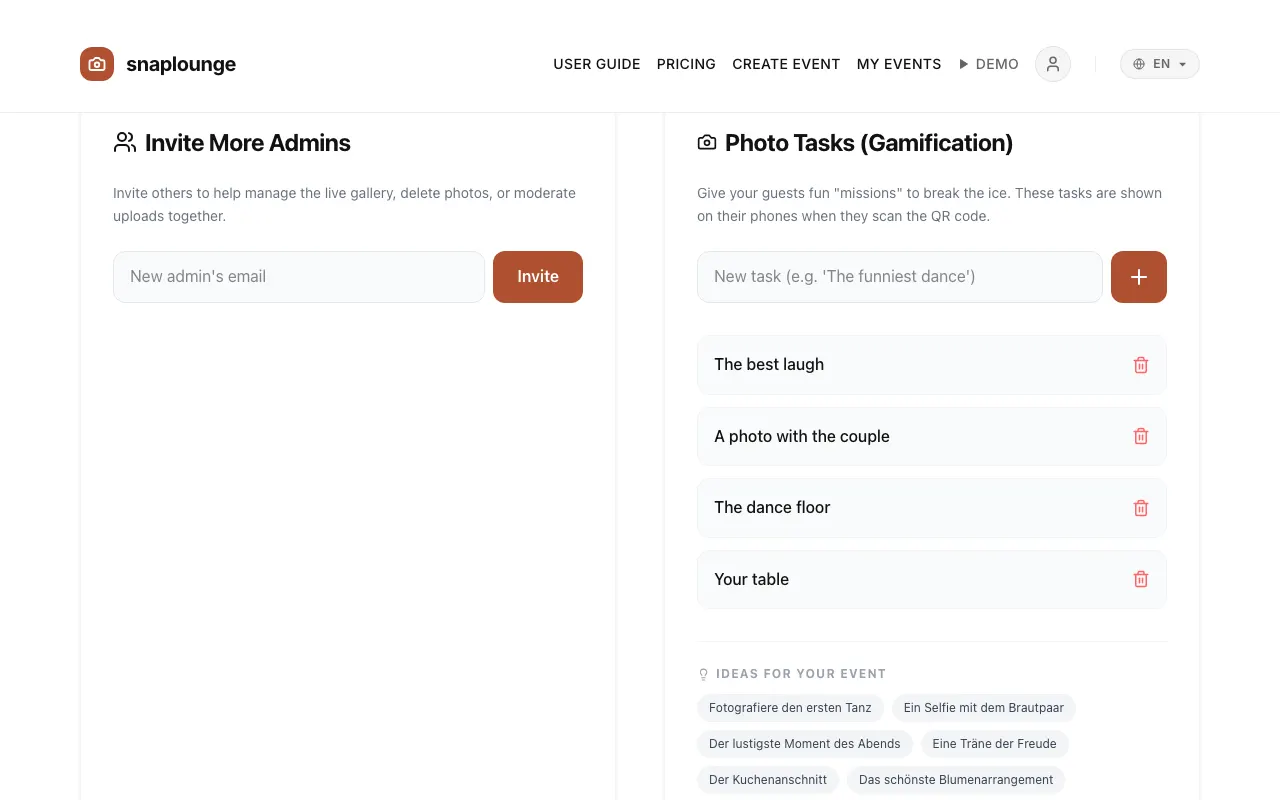
Enter the email address and tap Invite. The person receives an invitation by email.
They sign in with exactly this address and accept the invitation. Afterward they can approve and delete photos and manage the gallery.
Did this help you?