During the party
Guest list and guest count
Anyone who shares at least one photo or video counts as a guest. In the guest list, you see who has joined already.
For hosts
How it works
Open the event management page and scroll to “Guests.”
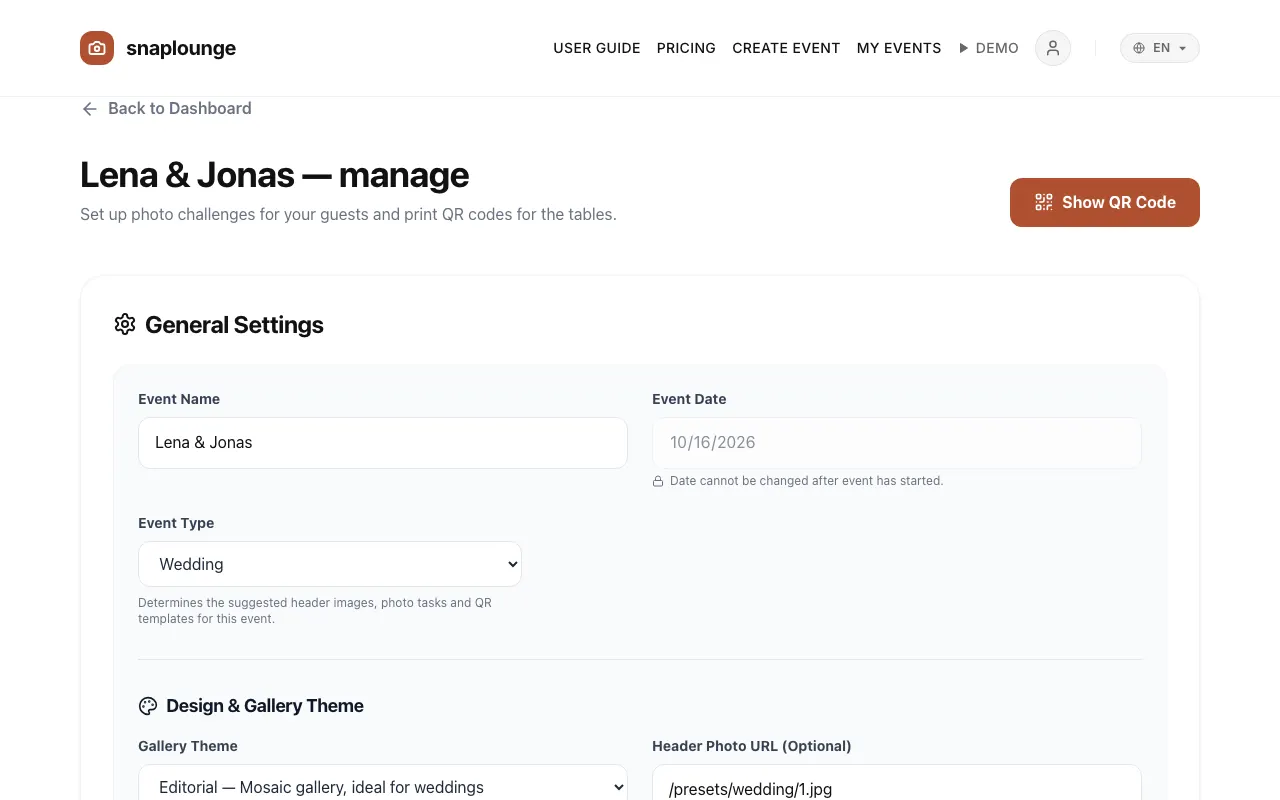
The list shows every guest by first name. With Remove, you take a guest off the list, and the spot becomes available again.
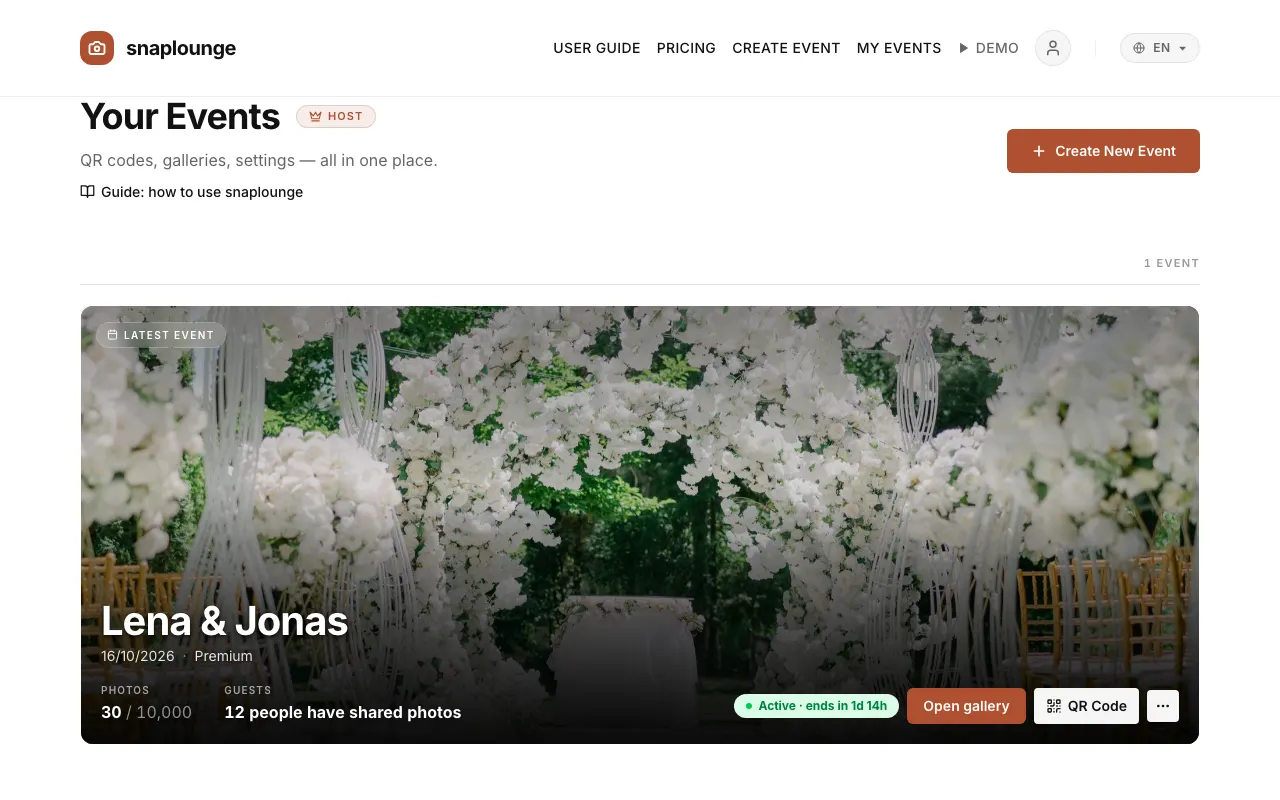
On the dashboard, your event shows how many people have shared photos so far.
Did this help you?