Account & event
Delete an event
You can delete an event permanently at any time – with all photos, guests, and data.
For hosts
How it works
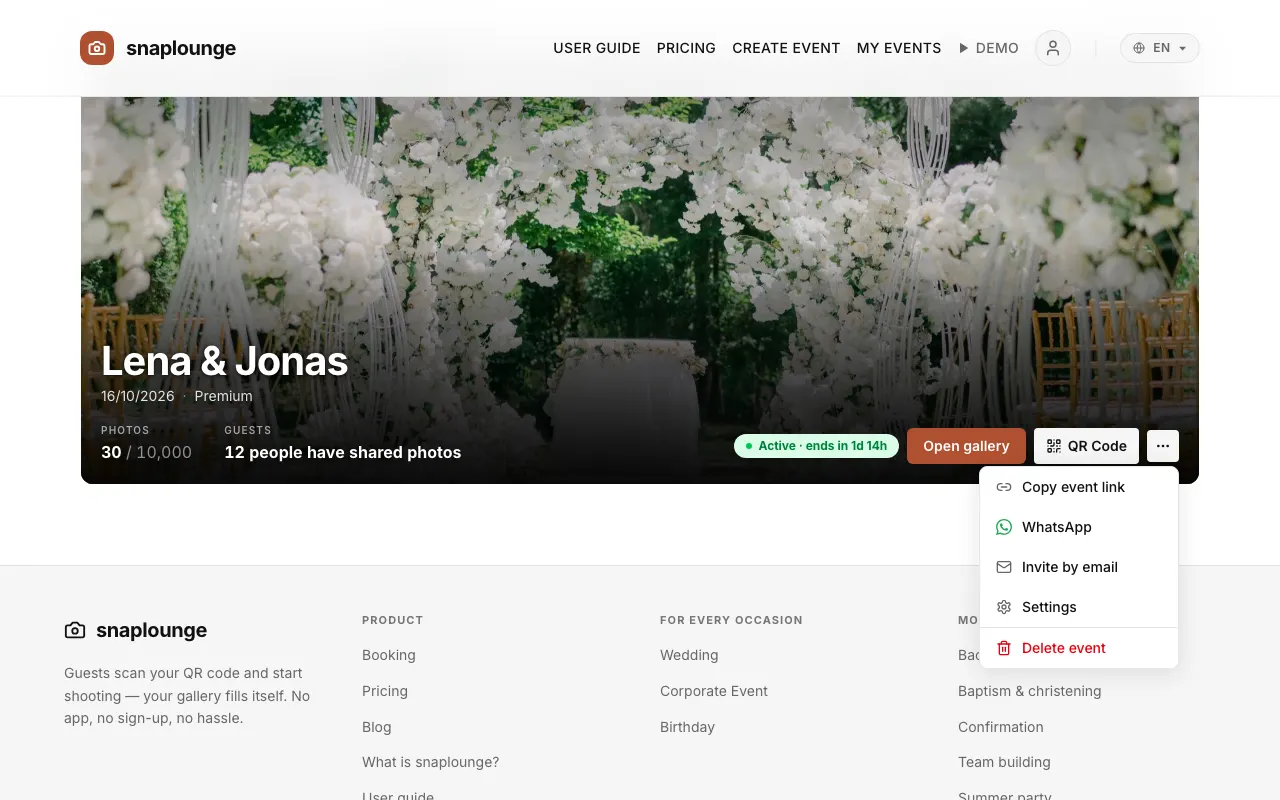
On the dashboard, tap … → Delete event next to your event.
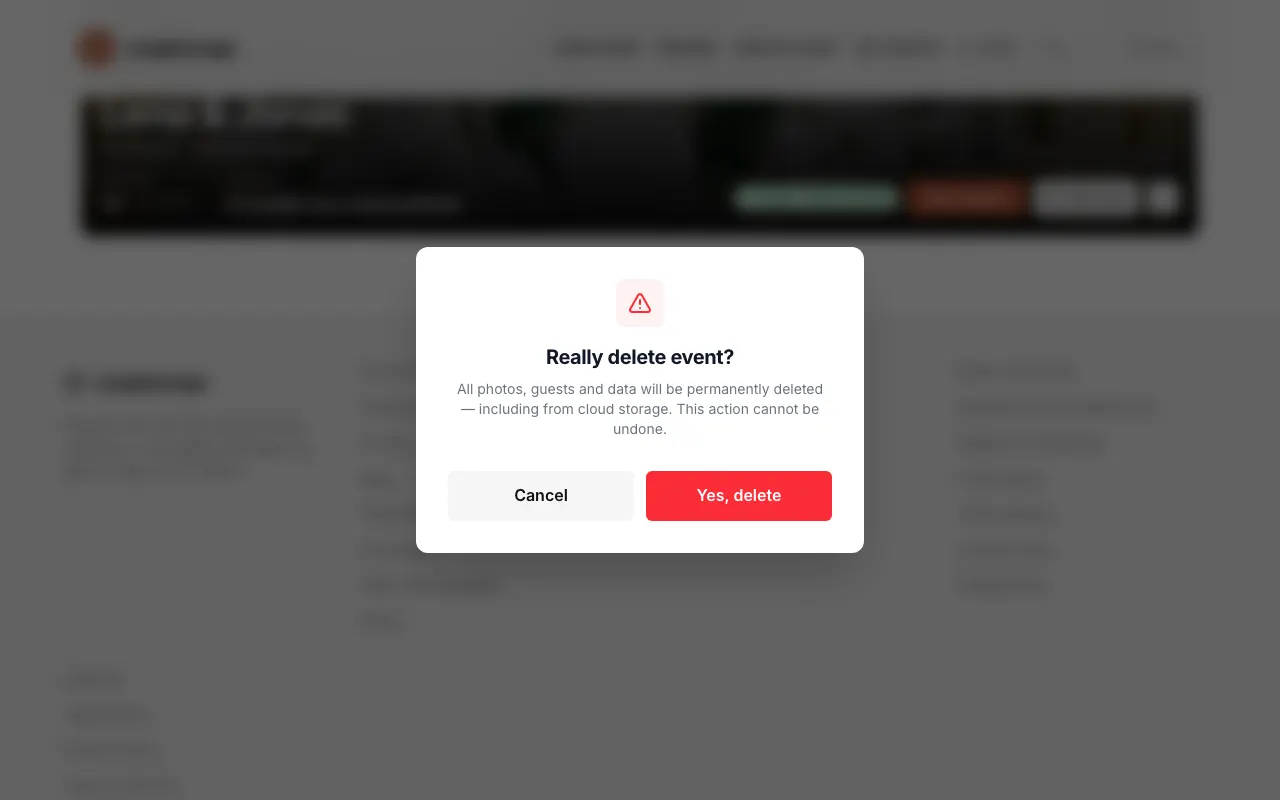
Confirm with Yes, delete. Photos, guests, and data are deleted right away and permanently, from cloud storage as well.
Did this help you?