Plans & payment
Invoice and DPA for companies
The invoice arrives automatically by email; you create the data processing agreement (DPA) yourself in the event.
For hosts
How it works
After the payment, you receive the invoice by email at the address you entered with the payment.
For the DPA, you open the event management page and scroll to “Compliance & DPA.”
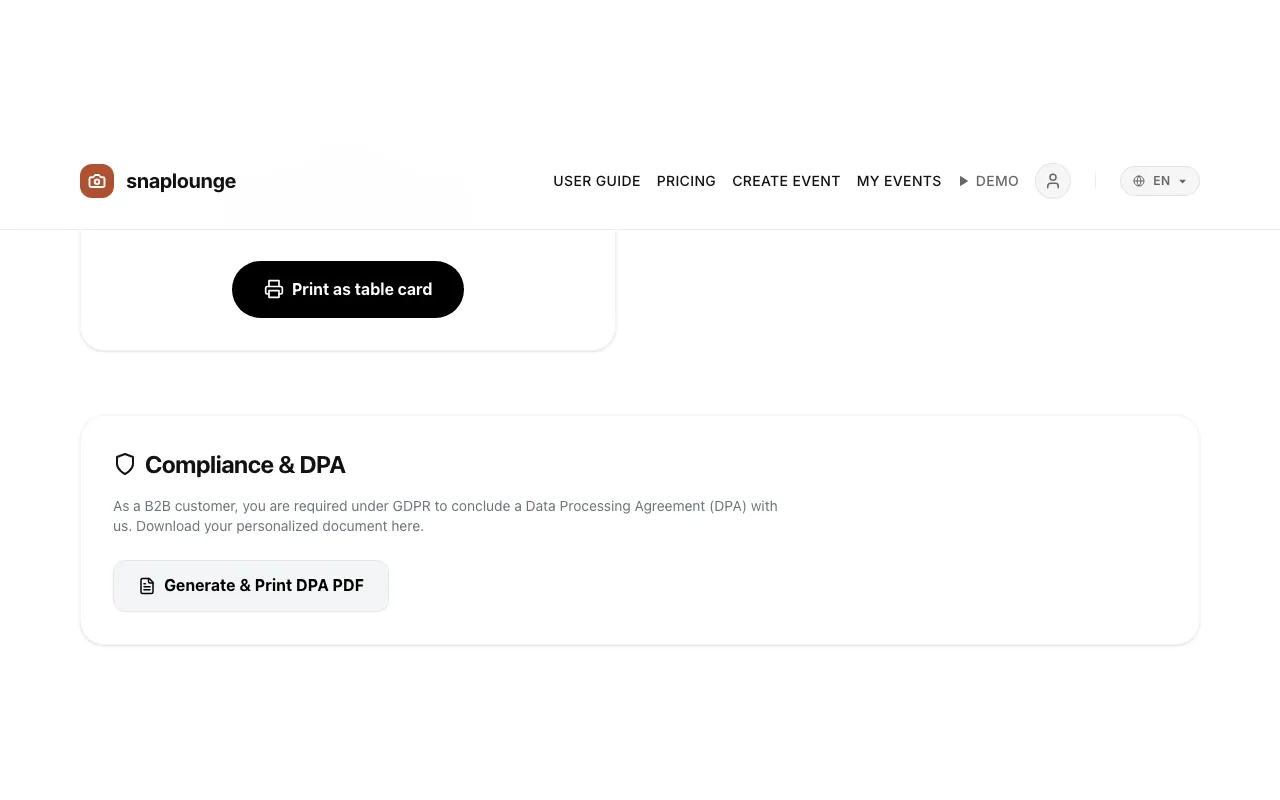
Tap Generate & Print DPA PDF. The document opens with your event’s data, ready to print or save as a PDF.
Did this help you?